access_timeEstimated reading time for this article: 5 minutes
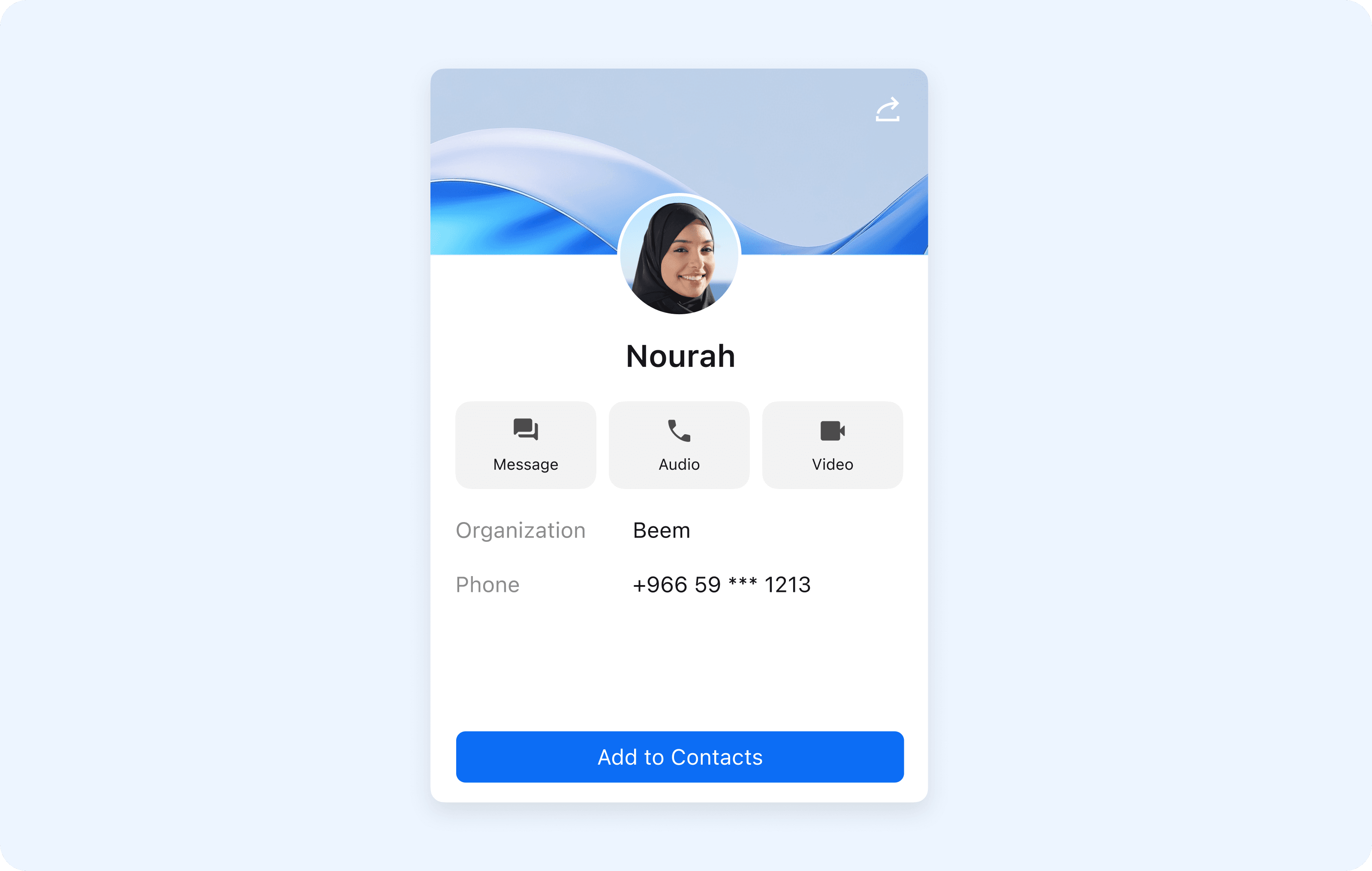
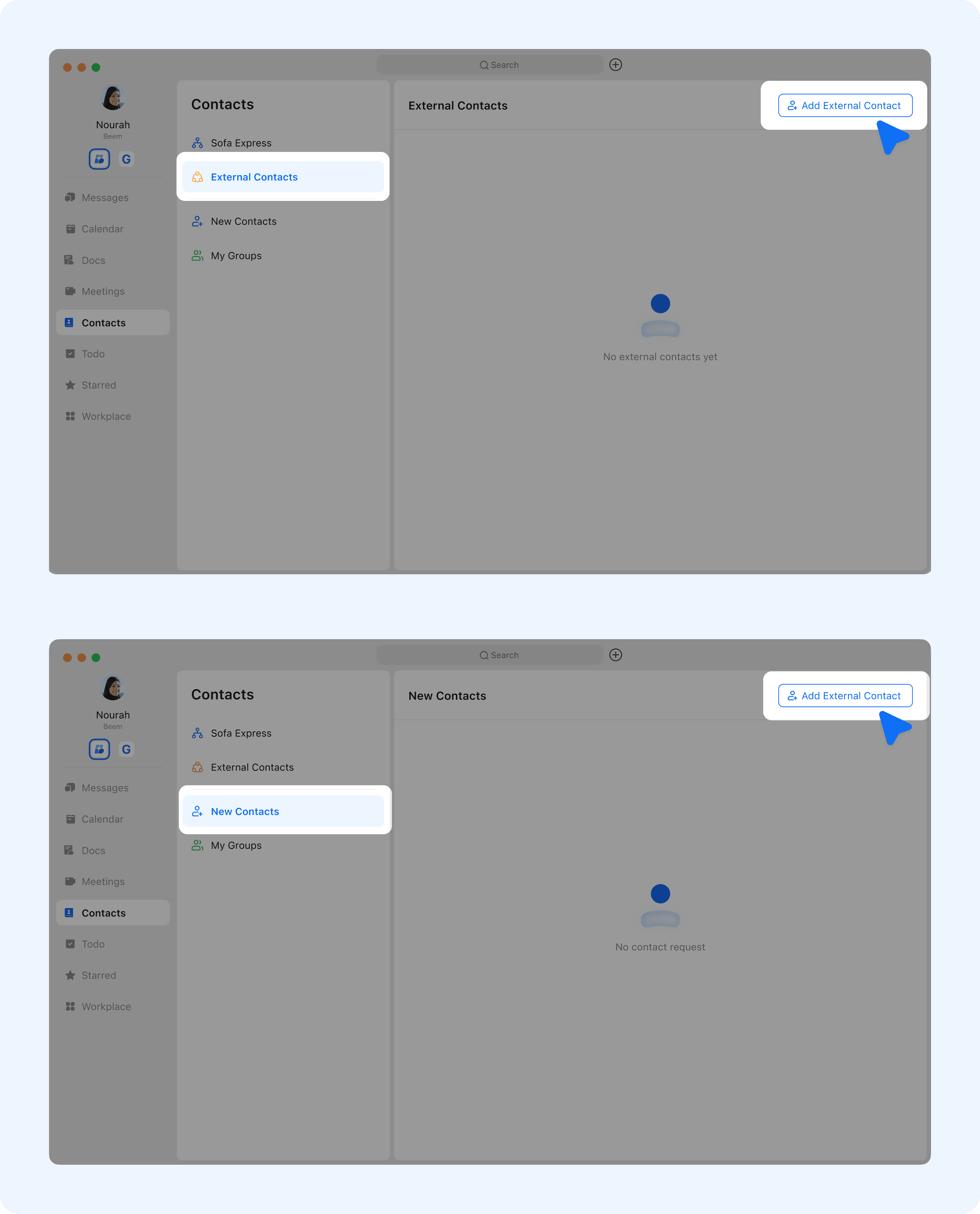
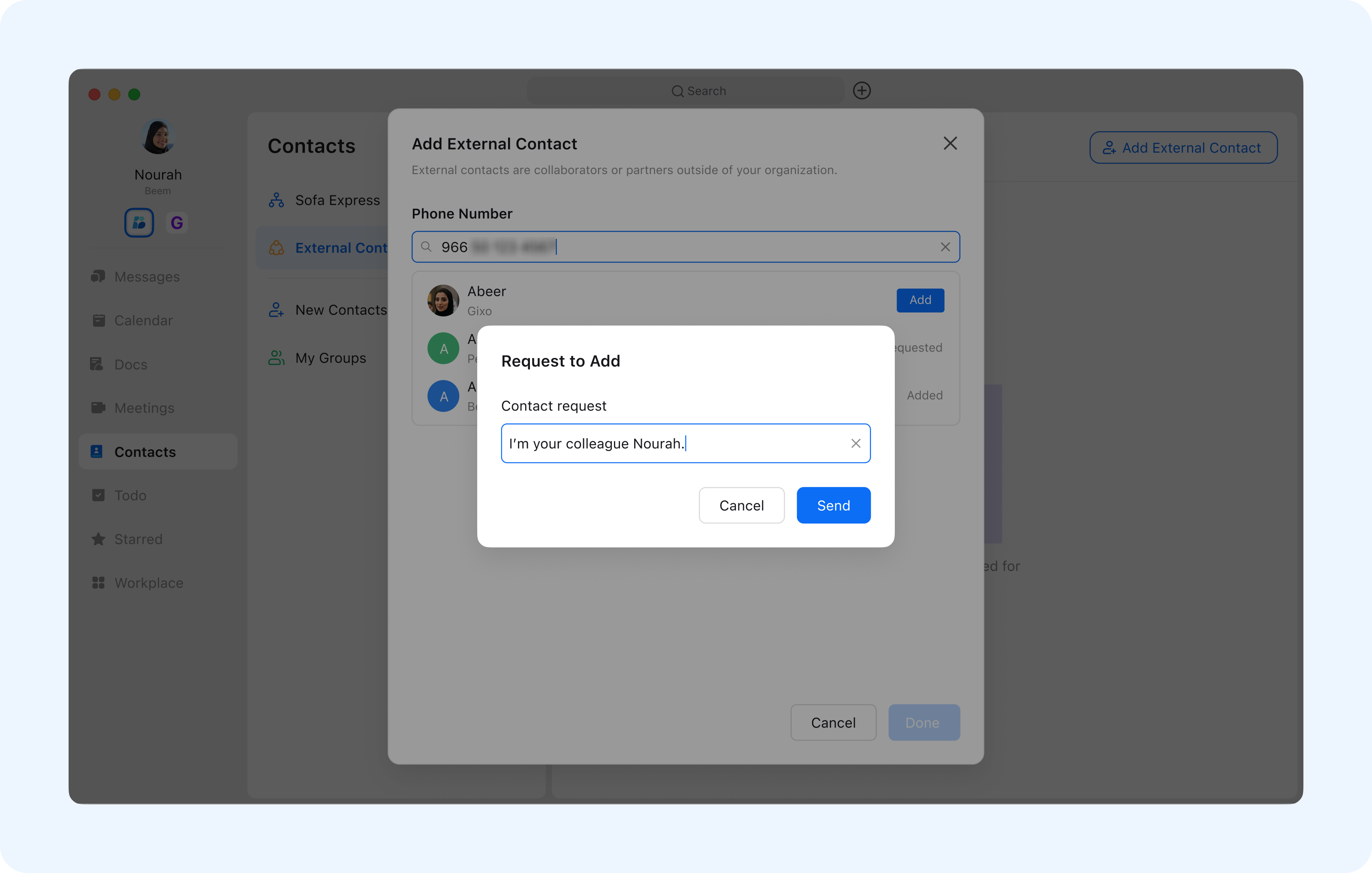
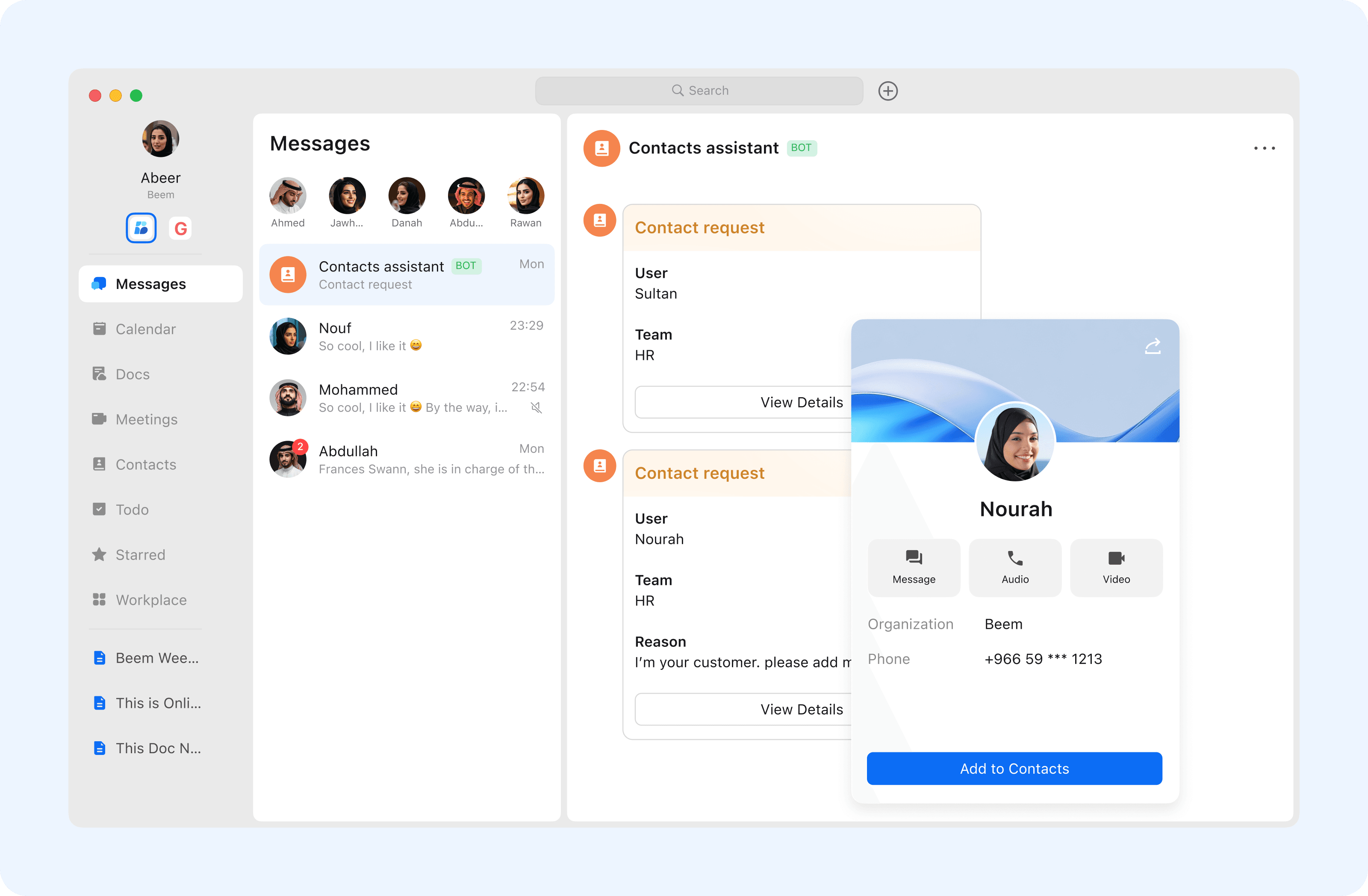
External contacts allow you to communicate and collaborate with users outside your organization while maintaining a clear separation from internal contacts. By adding a Beem user as an external contact, you can easily start conversations, share files, and work together securely without affecting your internal directory structure. This feature is ideal for collaborating with partners, clients, or stakeholders beyond your organization.
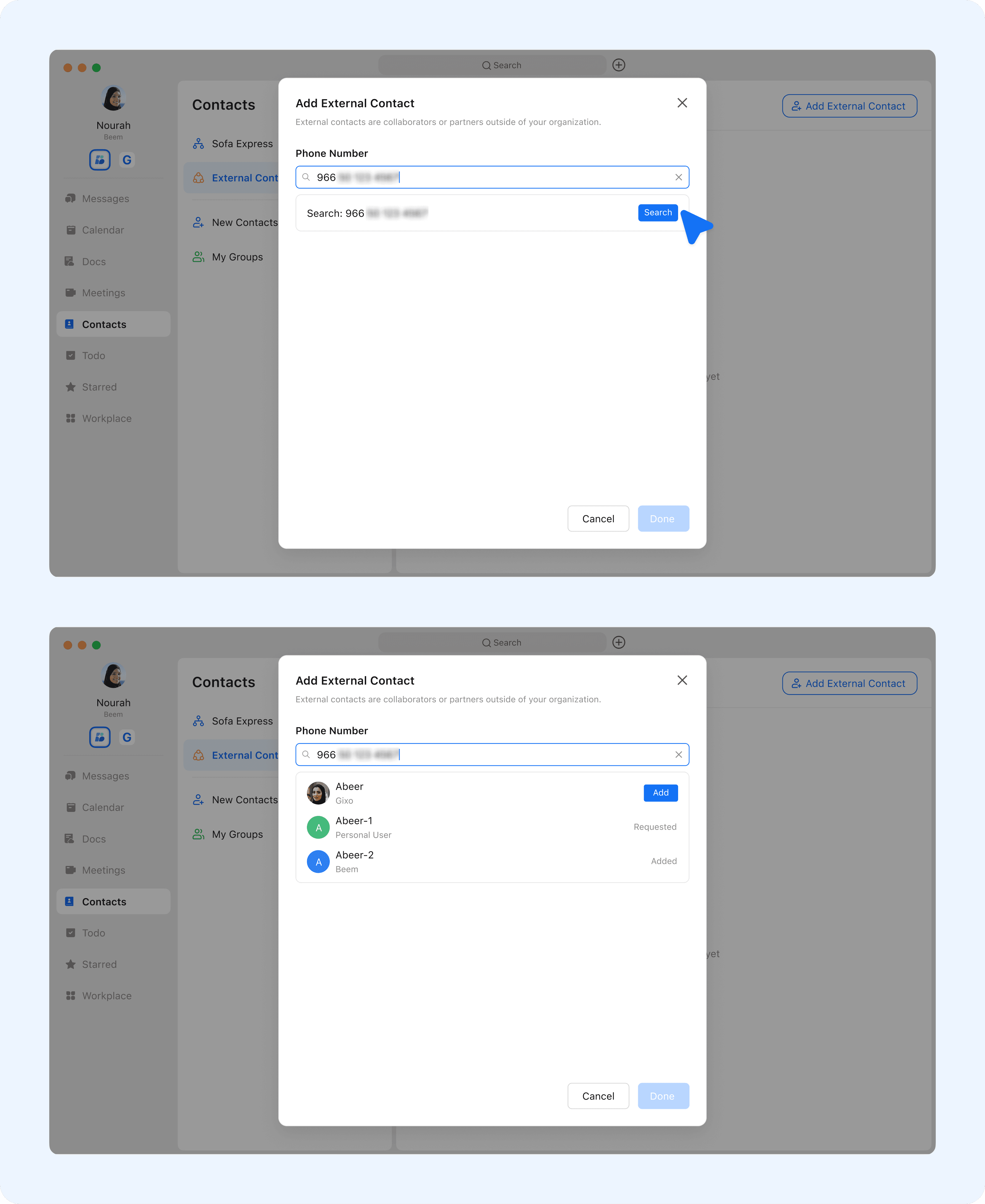
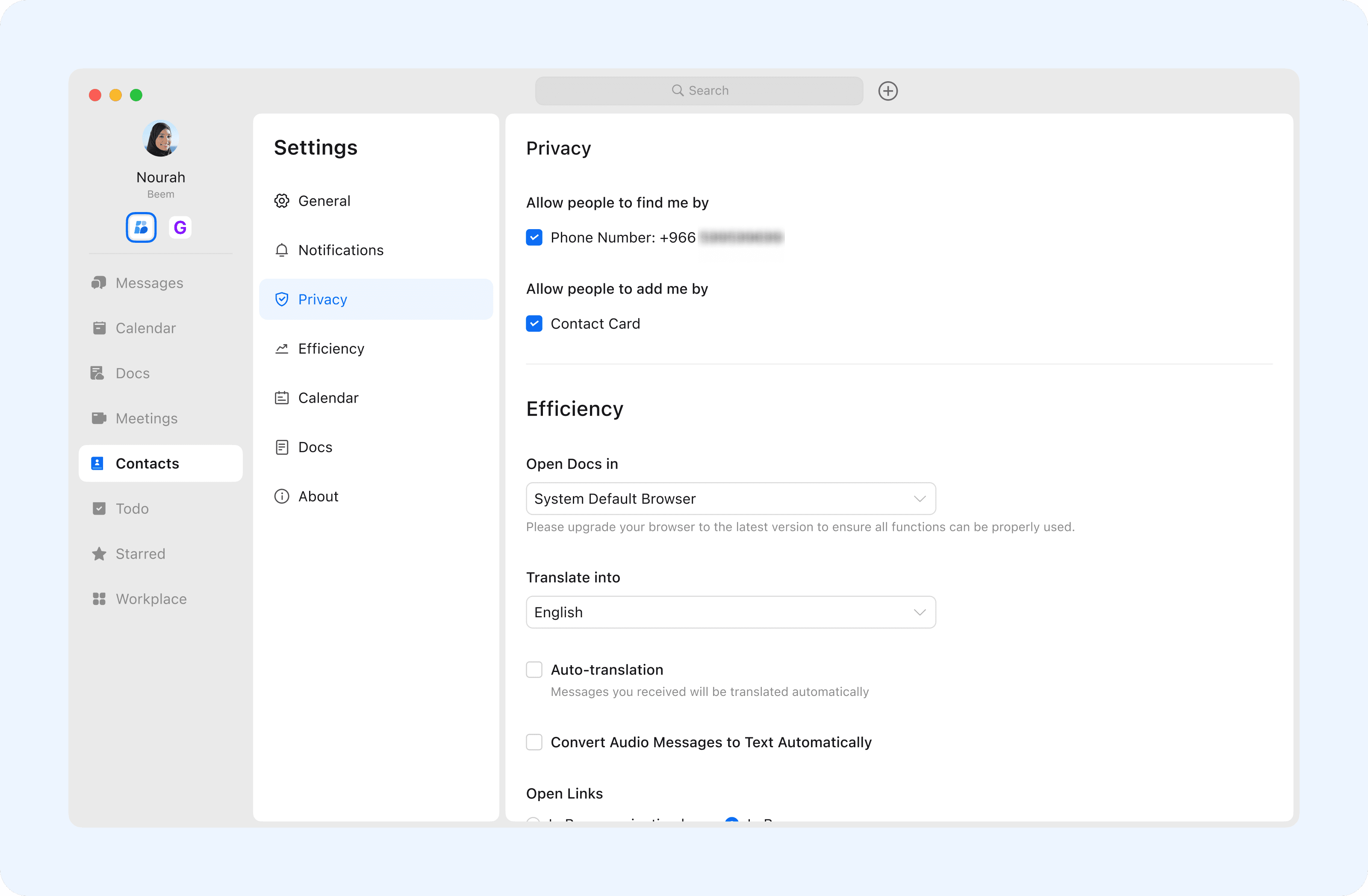
The ability to find and add a Beem user depends on their privacy settings. If a user has disabled the option Allow others to find me by phone number, their account will not appear in search results when using a mobile number.
Users can manage these settings at any time by navigating to Settings - Privacy.
These privacy settings apply only to the current account and help users control how others can find or add them in Beem.