access_timeEstimated reading time for this article: 3 minutes
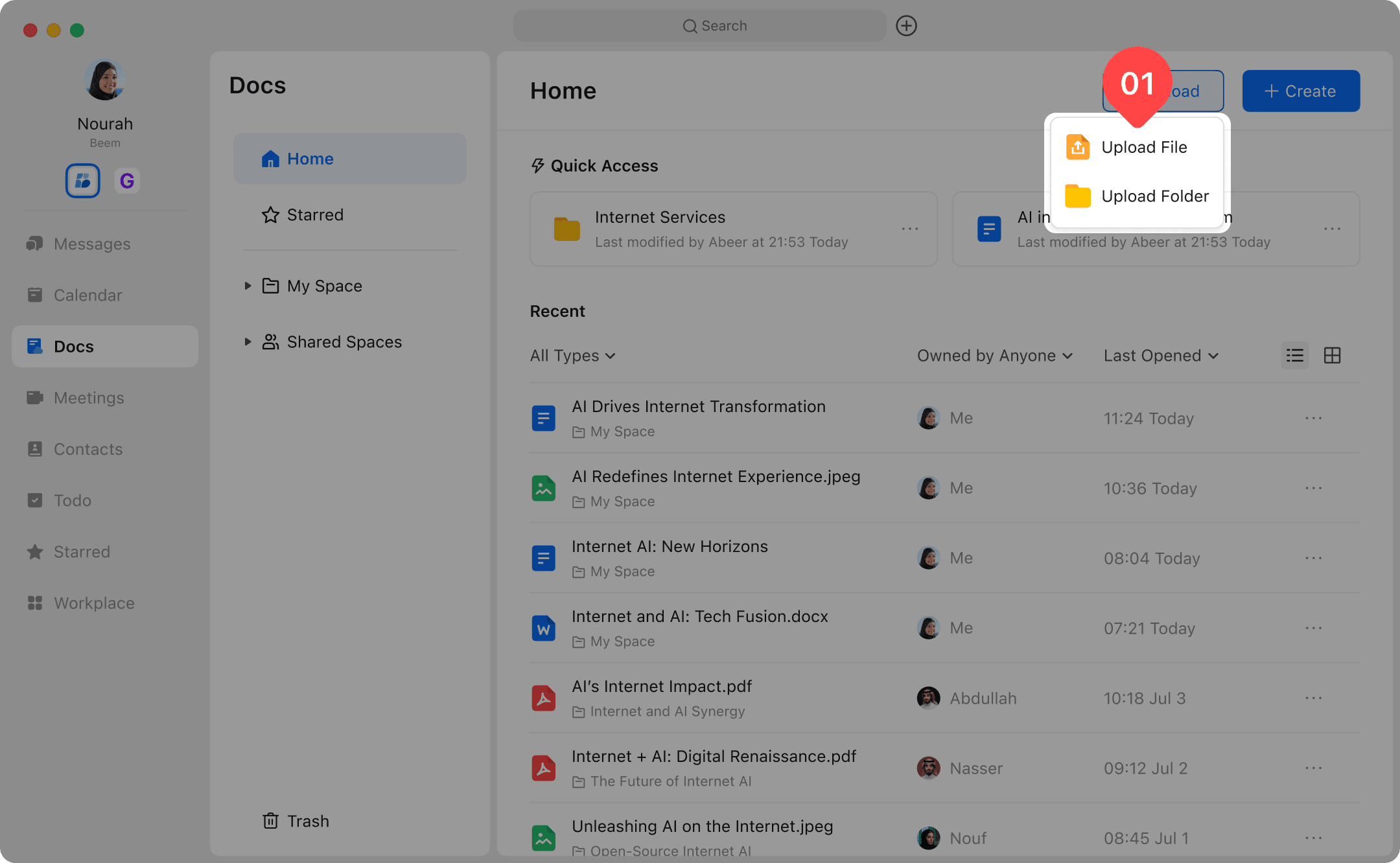
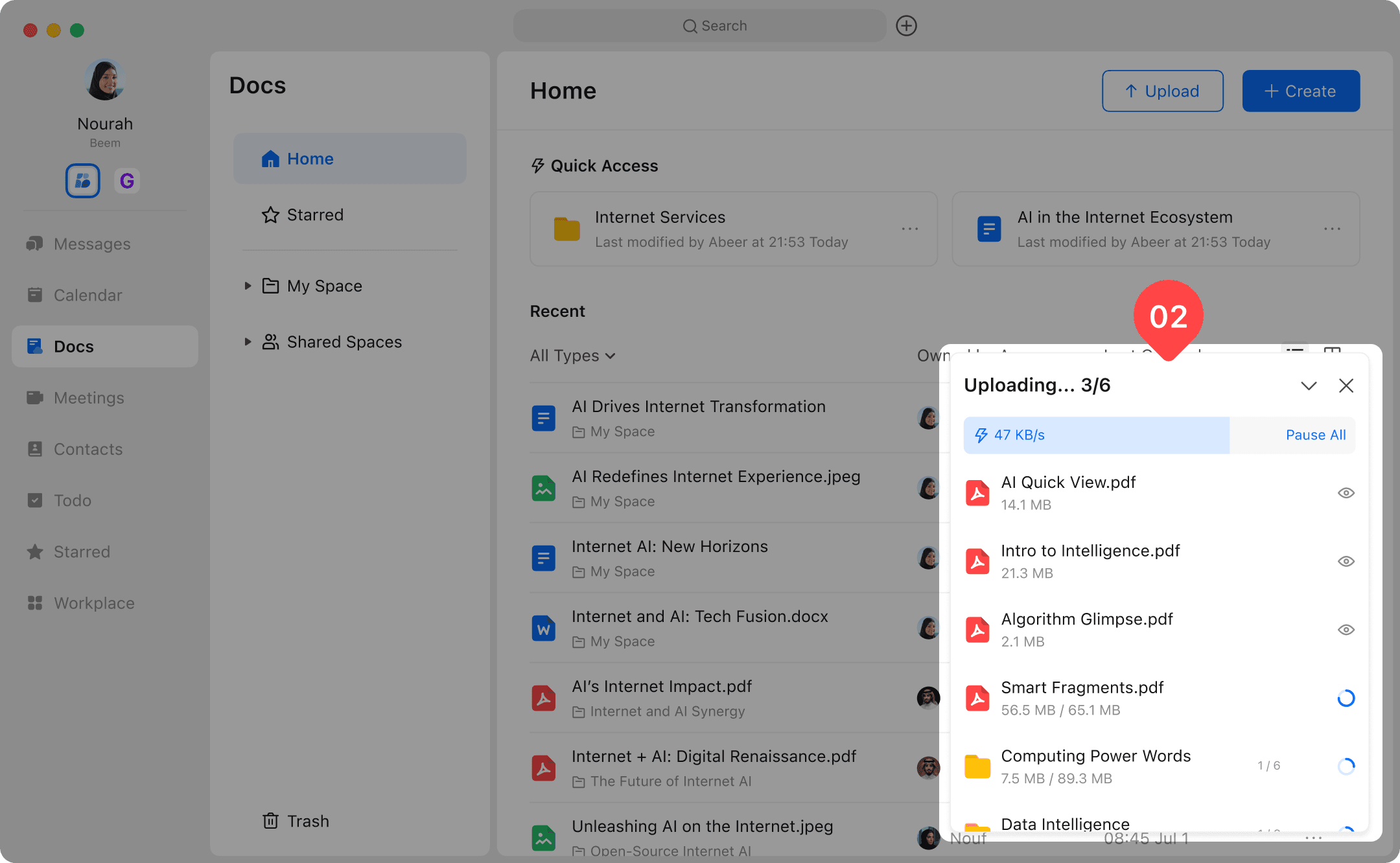
Easily upload files and folders to Beem to store, share, and collaborate with your team in one place. Uploading content allows you to keep important documents organized, accessible, and securely shared across conversations and workspaces. Learn how to upload files and folders efficiently and manage your content with ease.
You can upload local files and folders to Beem Docs. Among them, dozens of formats such as.doc,.ppt, and.pdf support online preview, allowing you to share file links with other members more efficiently or view files across devices more conveniently. (The maximum upload file size is 5GB)
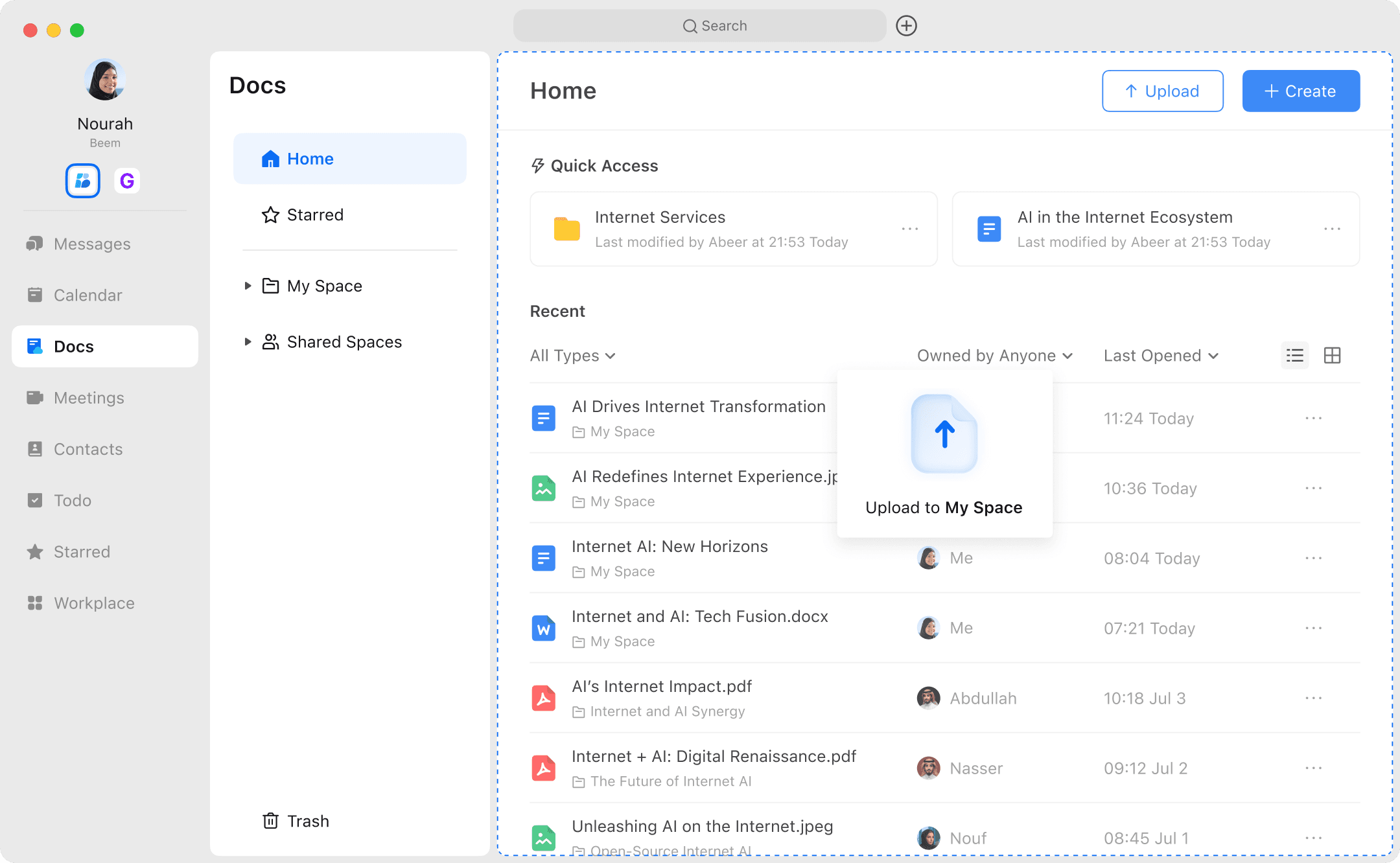
By selecting the upload destination, you can store local files in My Space or a specific folder. After uploading, you can also move the file to another location.