Skip to content

Organize Your Calendar, Tasks & Beem Account

Estimated reading time for this article: 5 minutes

Keep your work and personal activities structured by efficiently managing your calendar, tasks, and Beem account settings. Proper organization helps you stay on top of deadlines, track progress, and streamline your workflow. Follow the tips and steps below to make the most of your Beem account and stay productive.

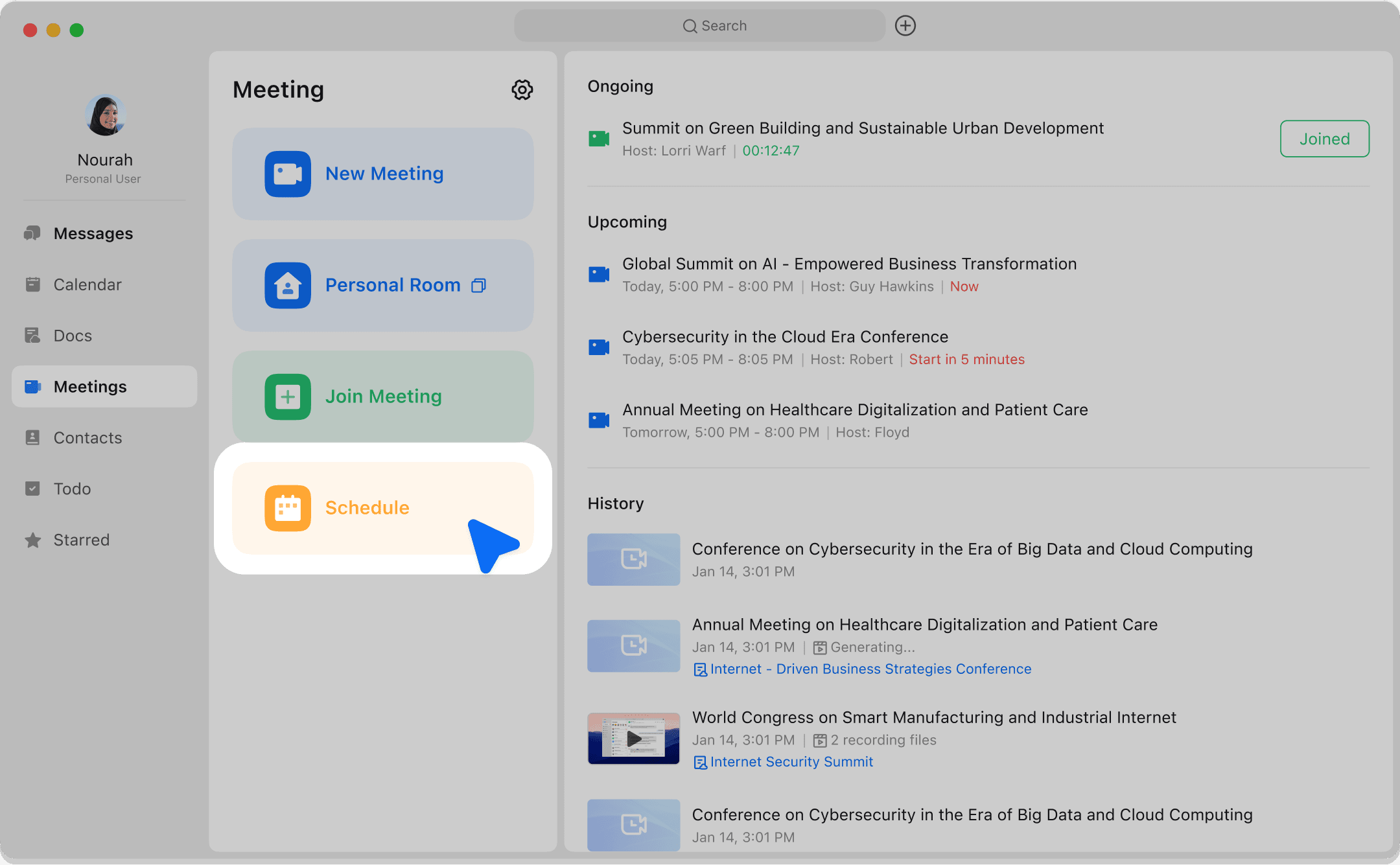
Schedule and Start Your First Meeting

  • Schedule and customize events: Beem Calendar helps you schedule and customize events as well as reserve meeting rooms.

  • Create an event and invite guests: You can use Beem Calendar to create events and invite guests.

undefined

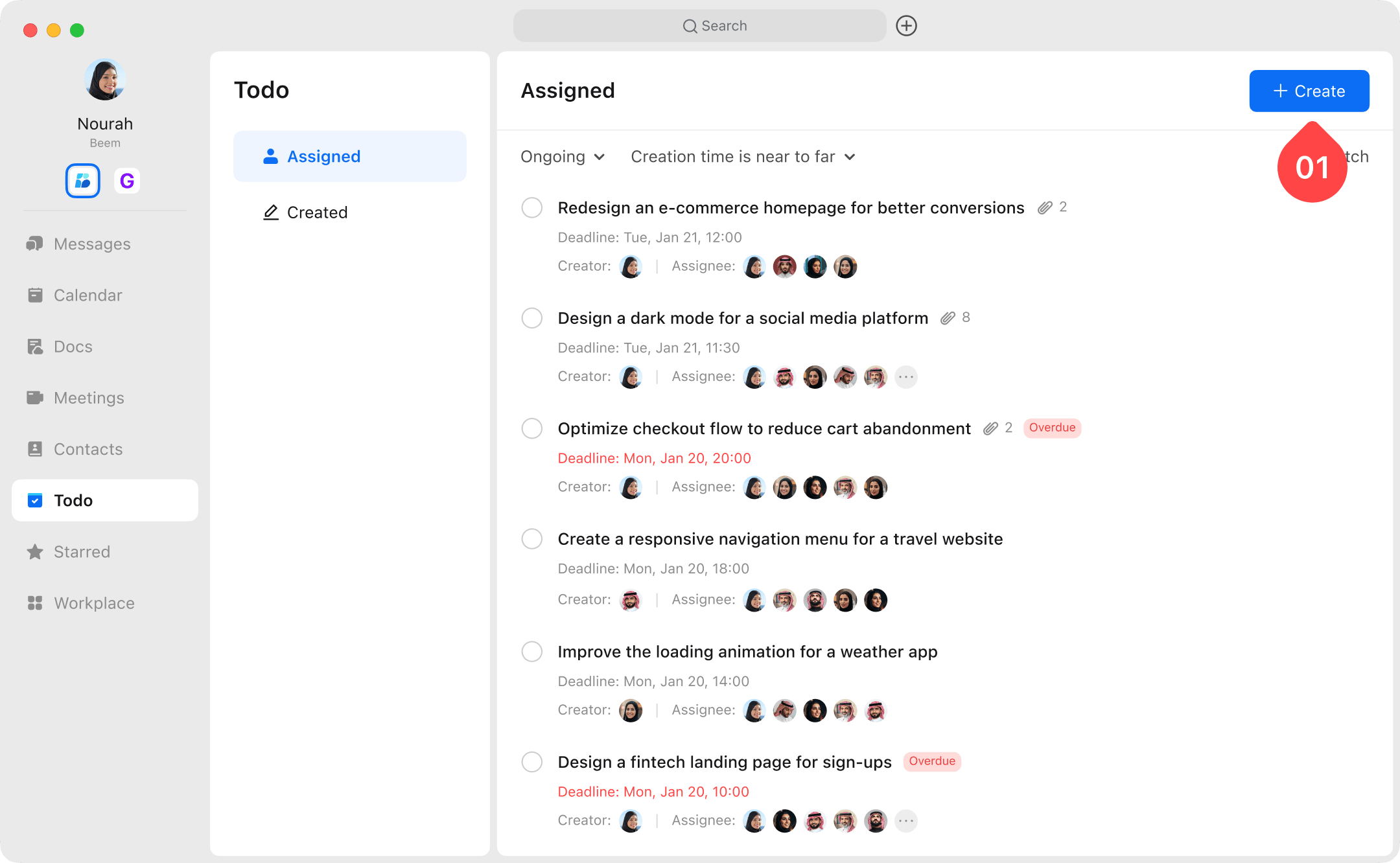
Task Management

  • Beem Todo: Is a task management tool which allows teams to organize, collaborate, and execute tasks. Tasks help your team to structure their work and break down larger projects into individual steps.

undefinedundefined

Beem Account Settings

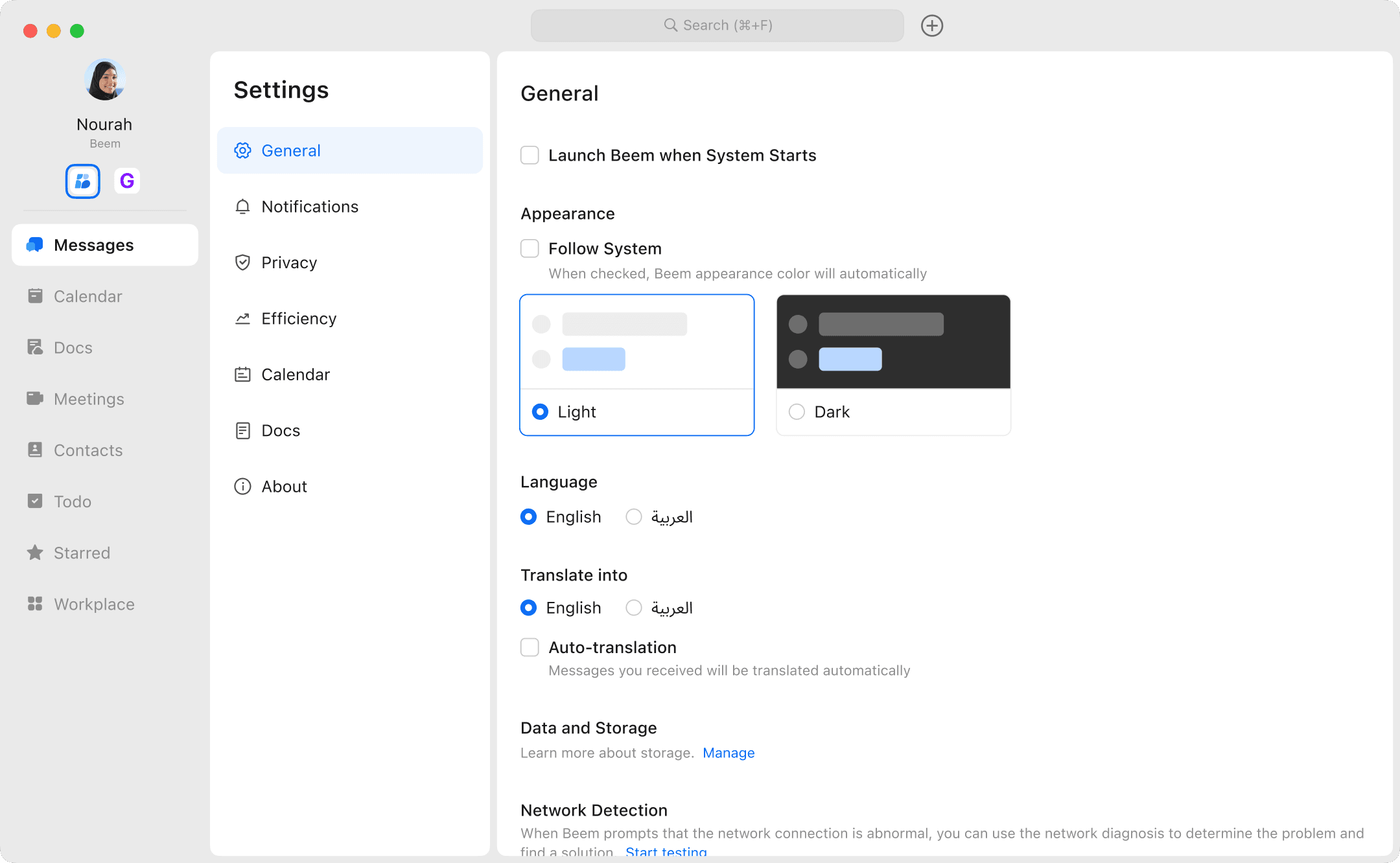
  • You can customize your favorite settings such as language,theme from "General Settings" and It will be effective for all accounts.

undefined

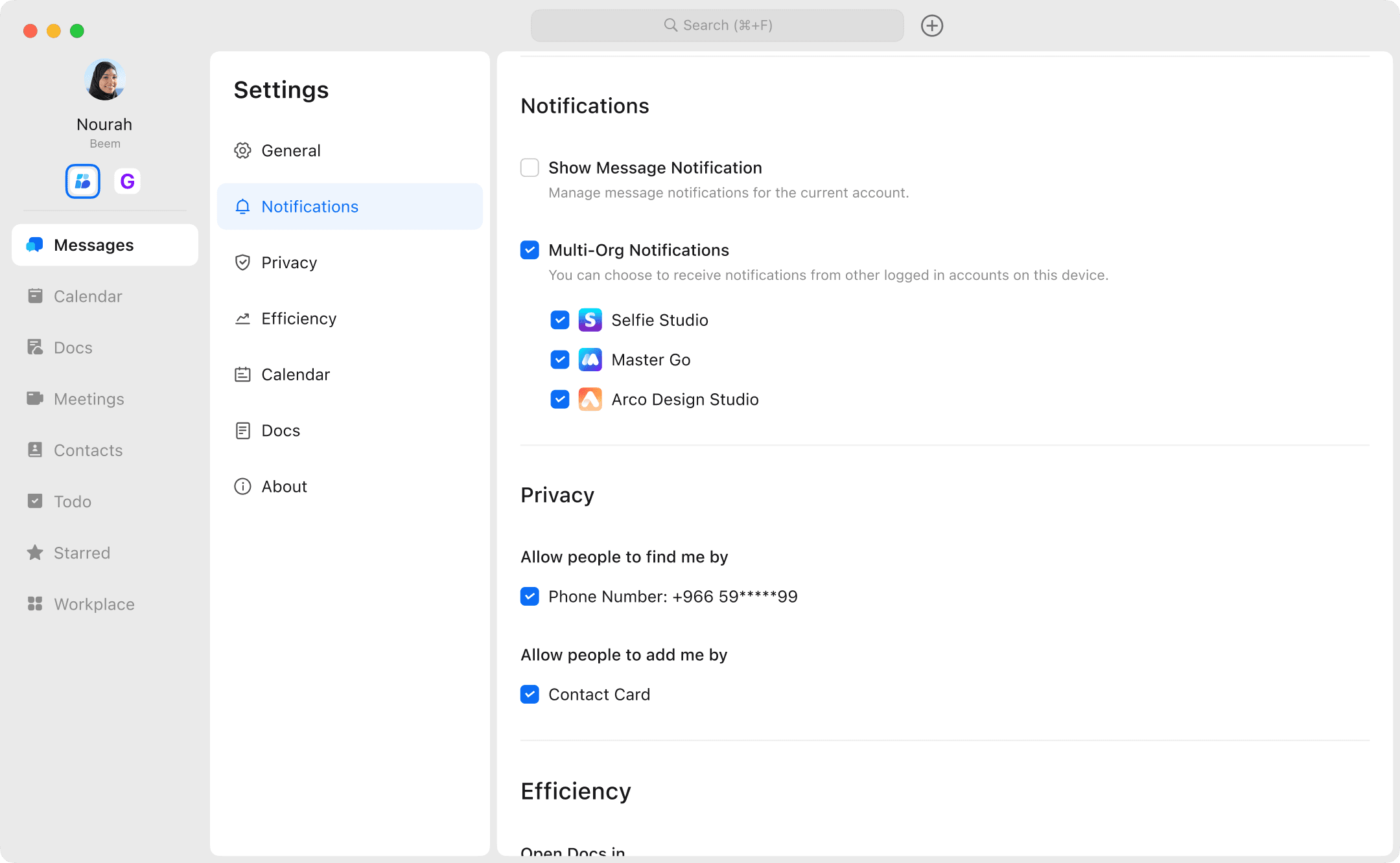
  • You also can set the notification, translation, speech to text, and calendar default settings for the currently logged in account.

undefined