access_timeEstimated reading time for this article: 5 minutes
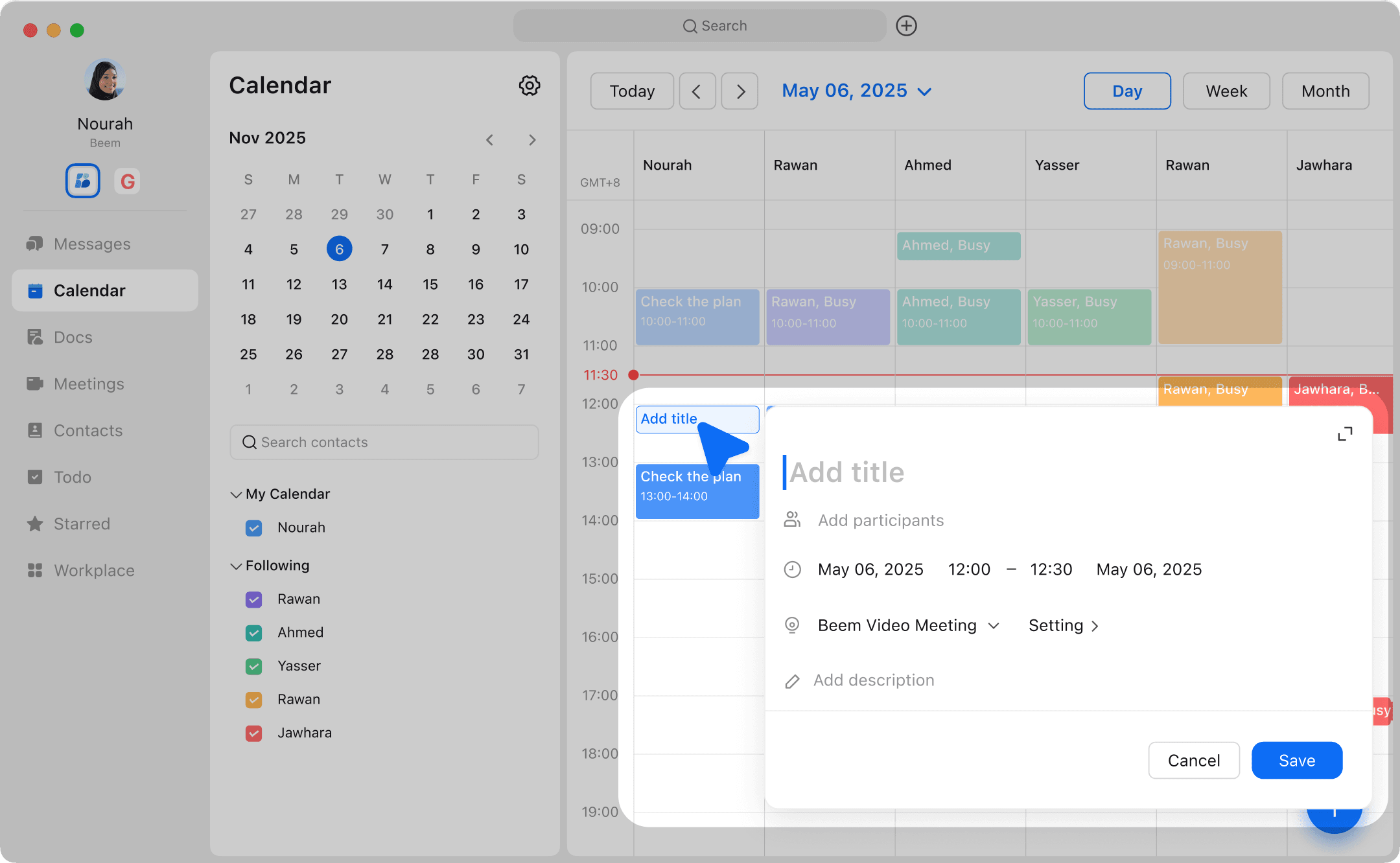
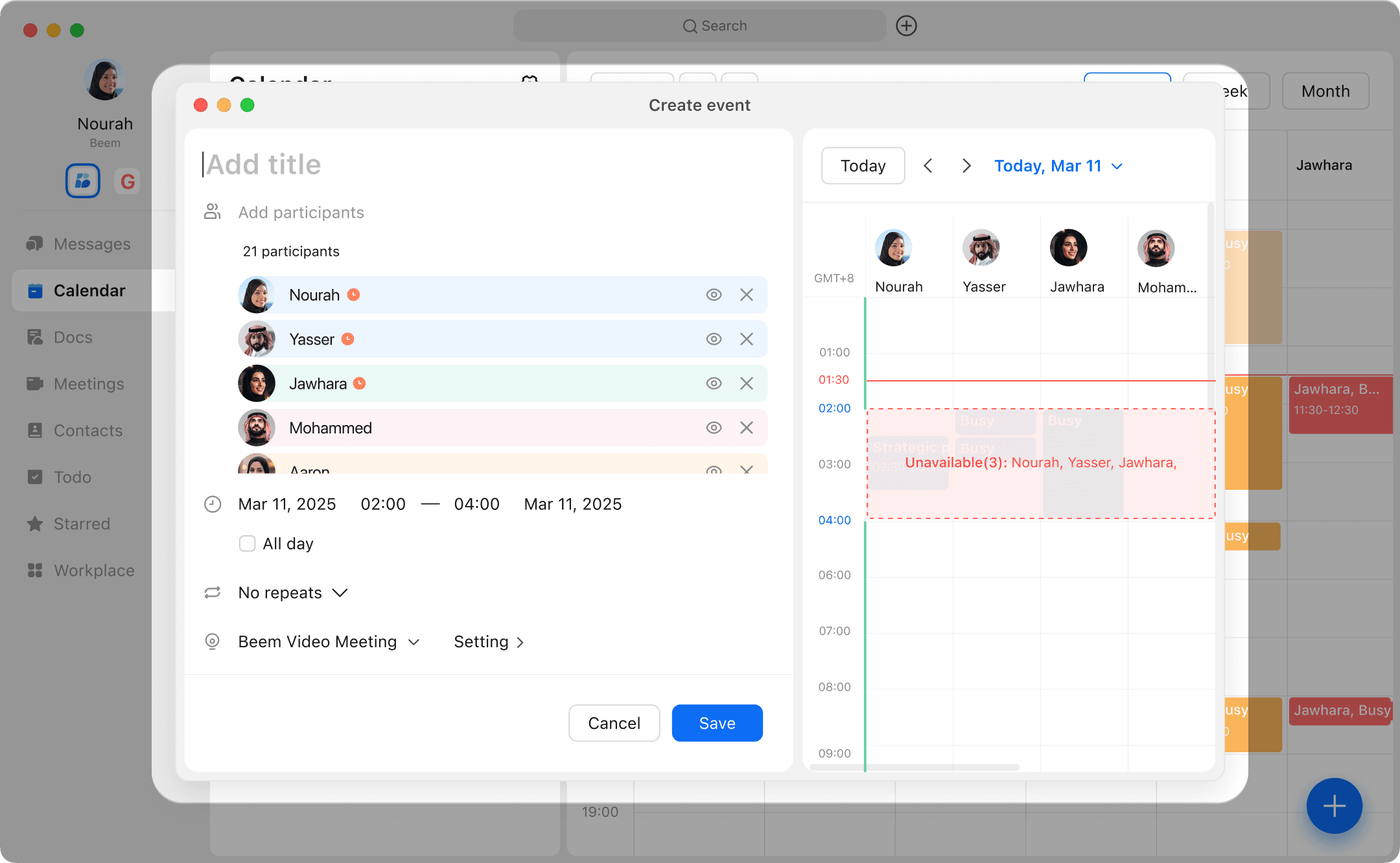
Take full control of your schedule by customizing your calendar to fit your workflow and preferences. Adjust settings, colors, views, and notifications to manage your time effectively and stay organized. Follow the steps below to personalize your calendar and make it work best for you.
Personalize your calendar and manage yyour schedule by adjusting calendar and eventalert times, event colors, and time zones in Beem Calendar seettings.
Keep all your events in one place. After you sync a third-party calendar, you can view and edit all calendar entries across multiple calendars in the Beem Calendar.