Skip to content

Set up your devices and start exploring

Estimated reading time for this article: 20 minutes

Get started with Beem by setting up your devices and exploring the features available. Proper setup ensures smooth performance and allows you to make the most of your account across different platforms. Follow the steps below to configure your devices and begin navigating Beem confidently.

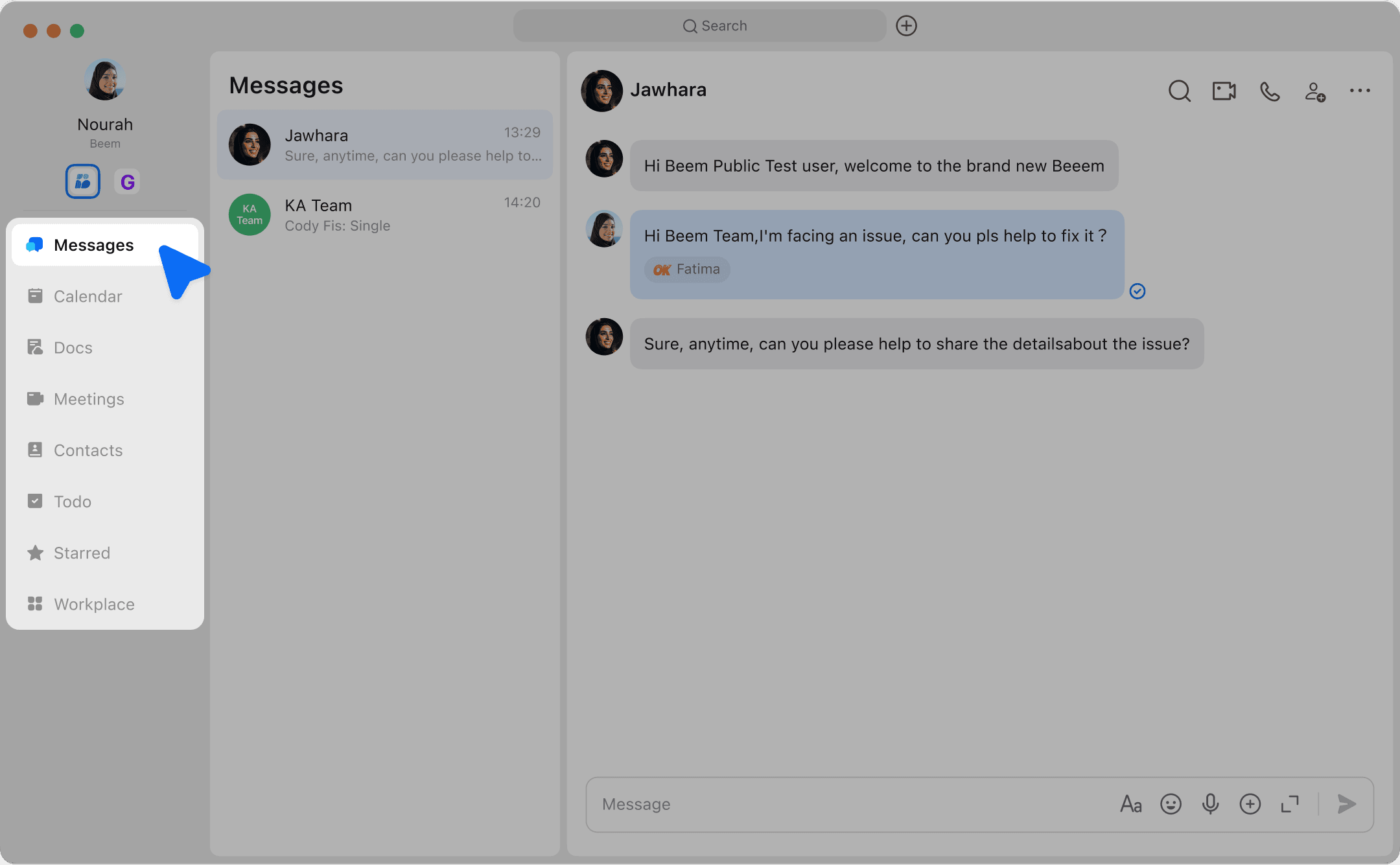
Beem Interface

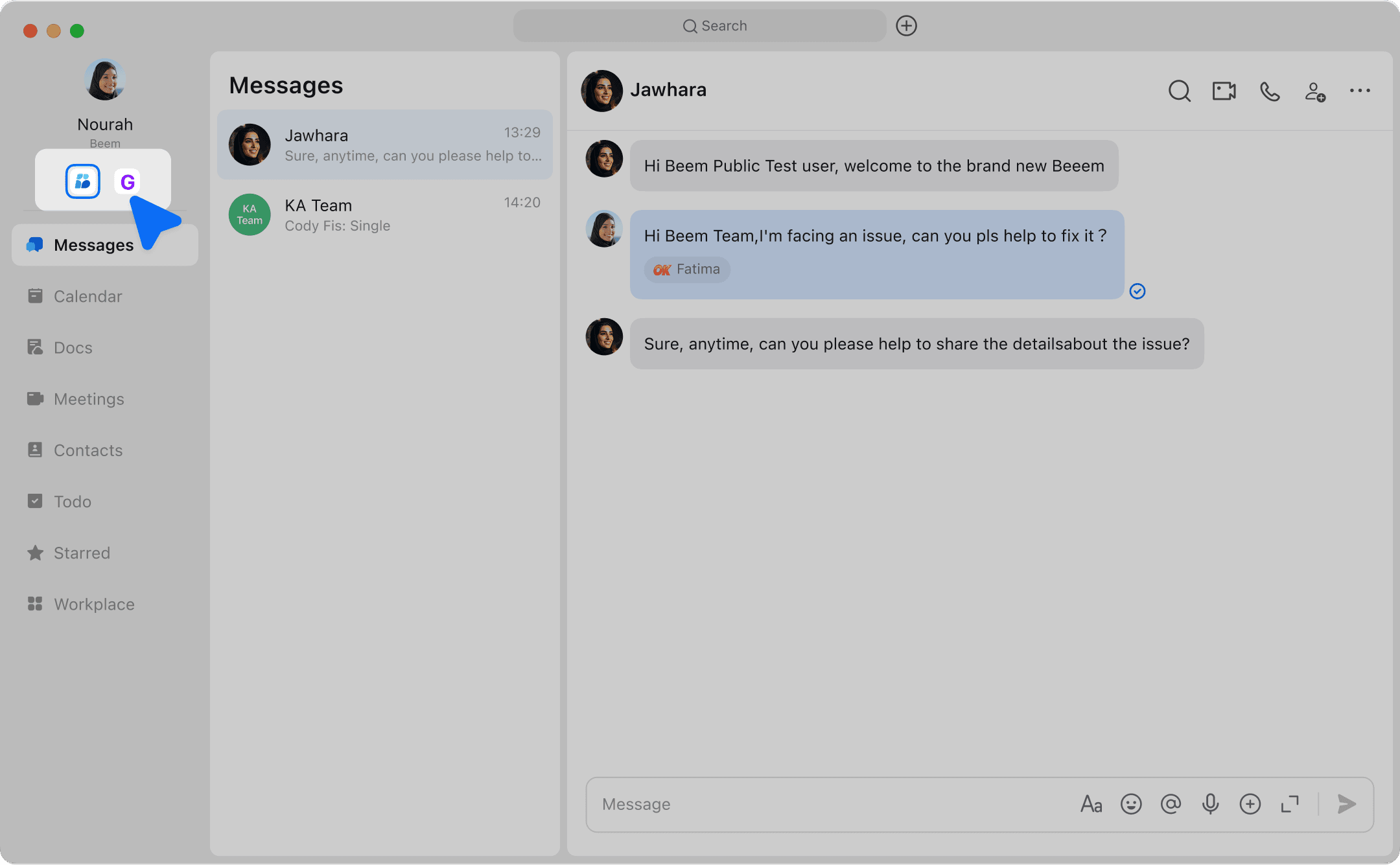
  • Navigation bar:Find apps such as Messenger, Meetings, Calendar, Docs, and more.

undefined

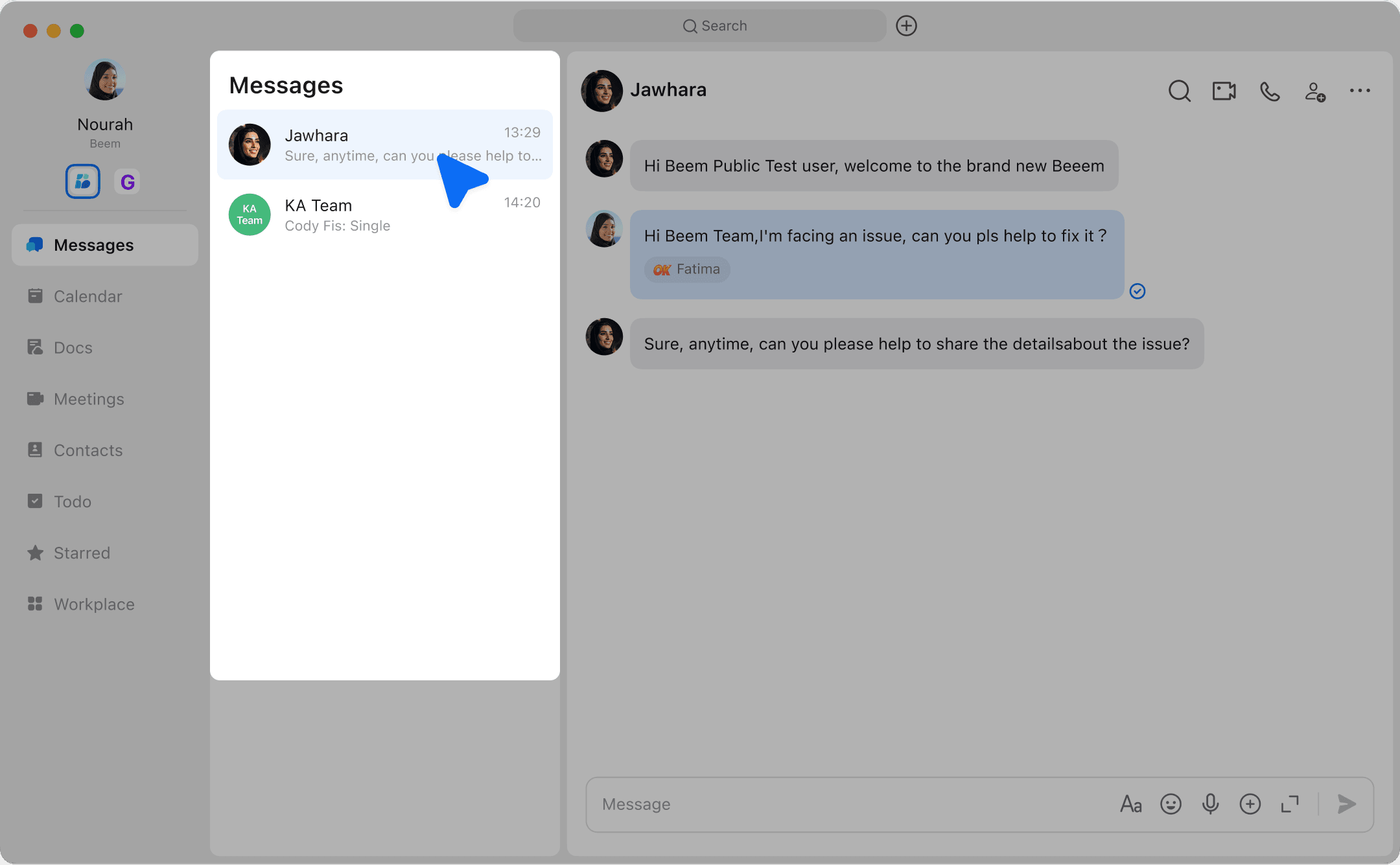
Using Chat

  1. Individual and Group:You can chat one-on-one with anyone in the organization, or create a group chat at any time according to work needs.

undefined

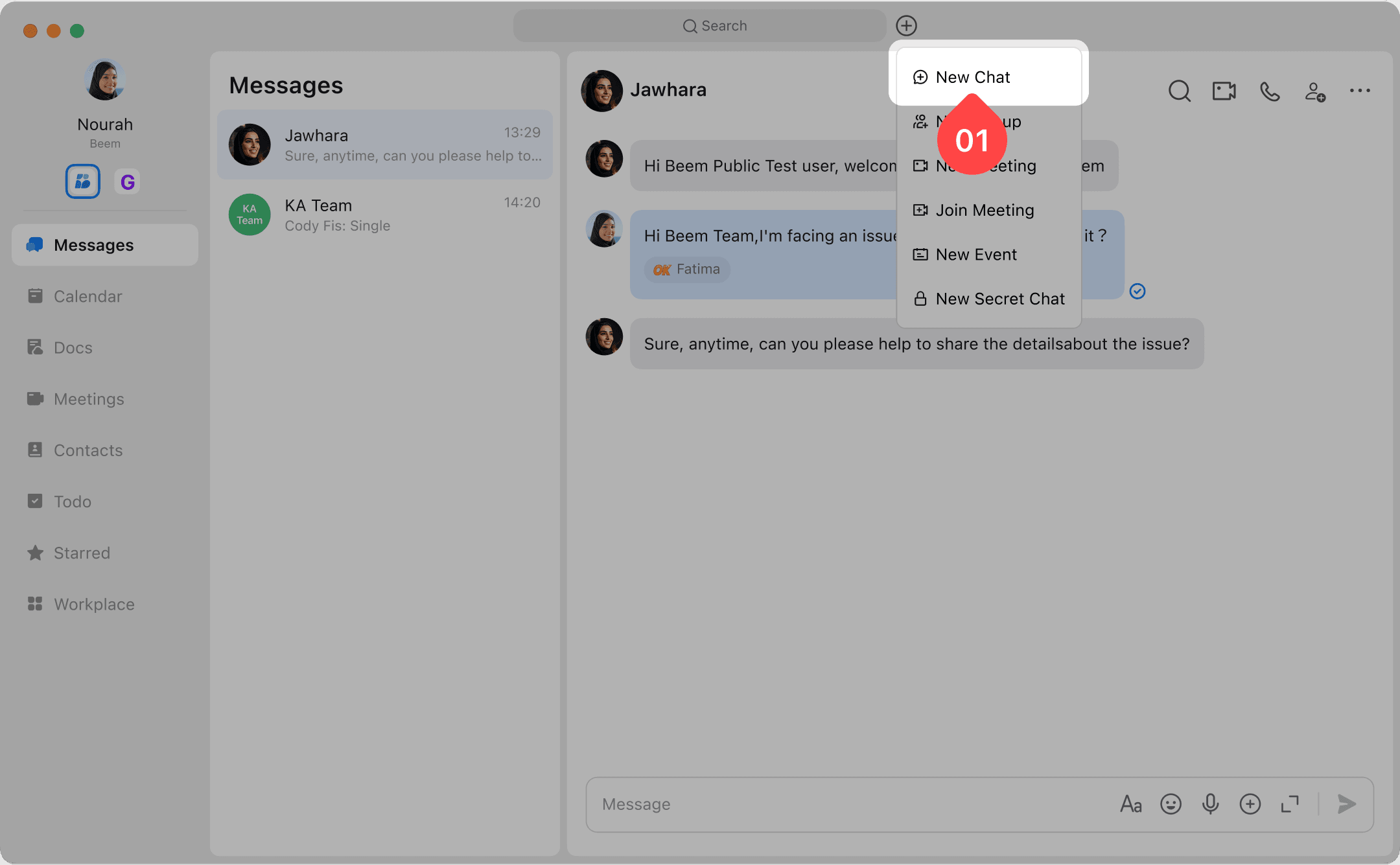
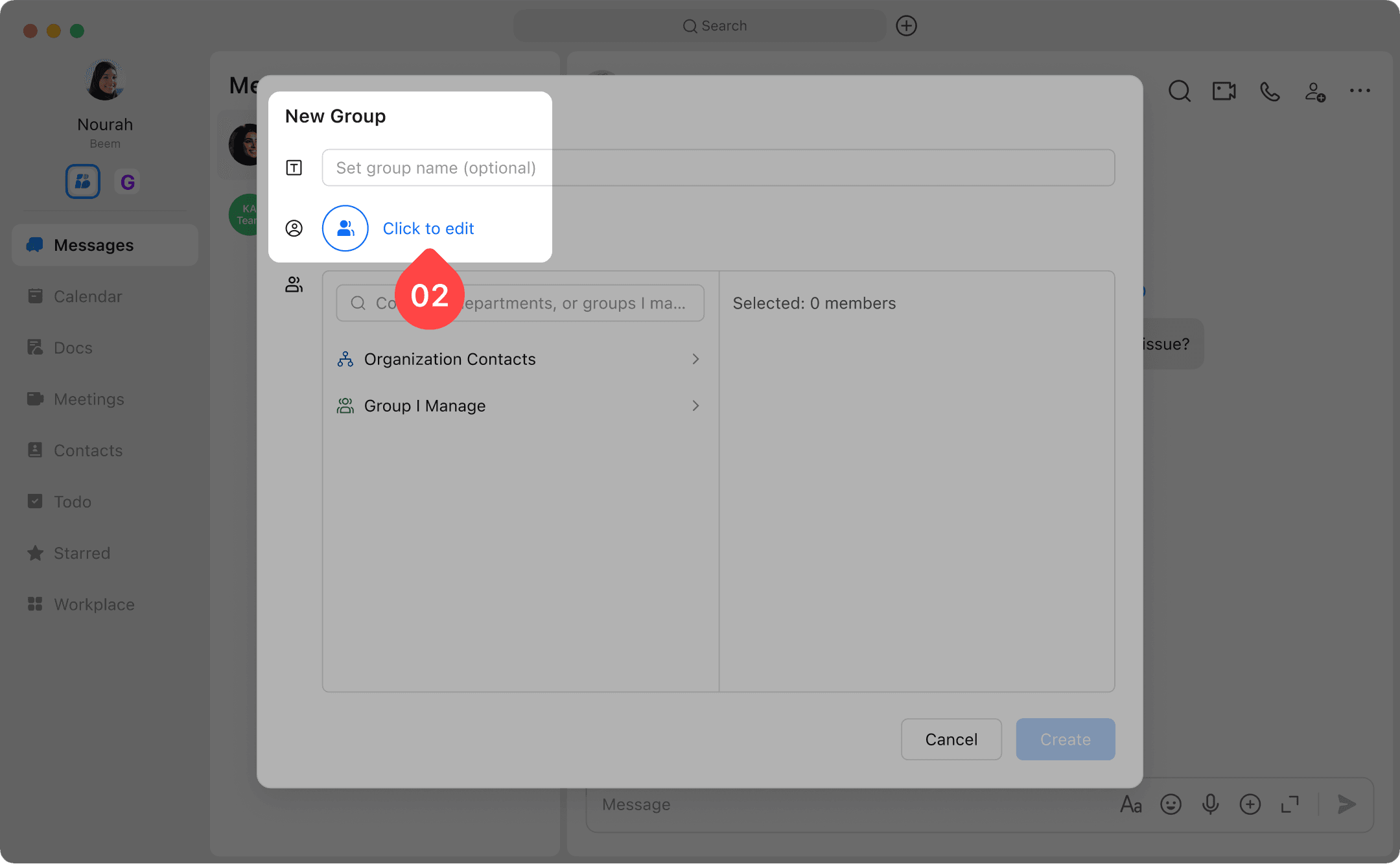
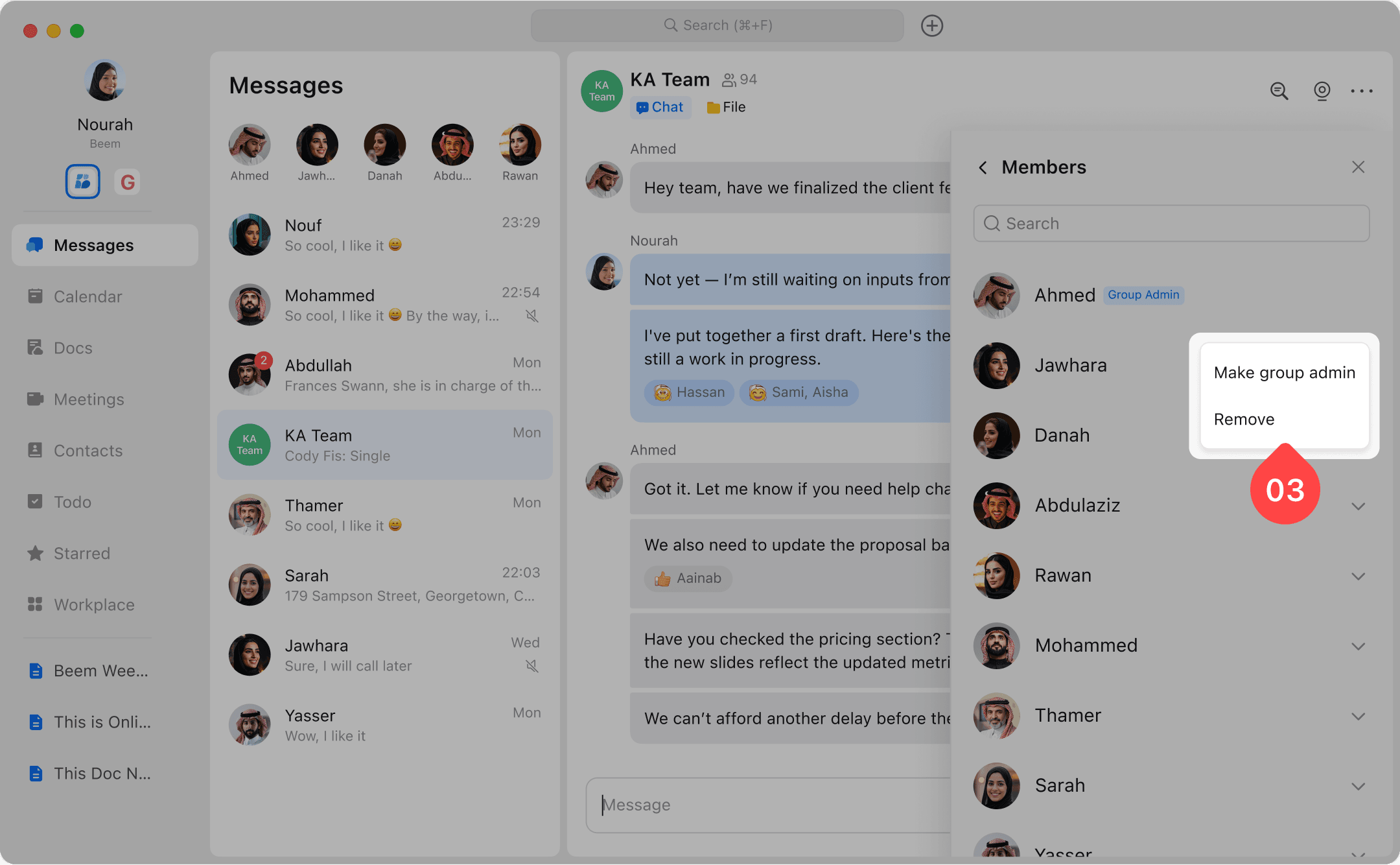
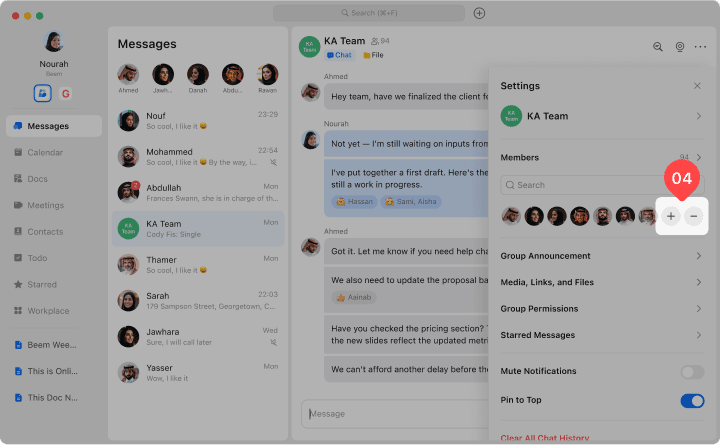
  1. New: Create groups, add colleagues.

undefinedundefinedundefinedundefined

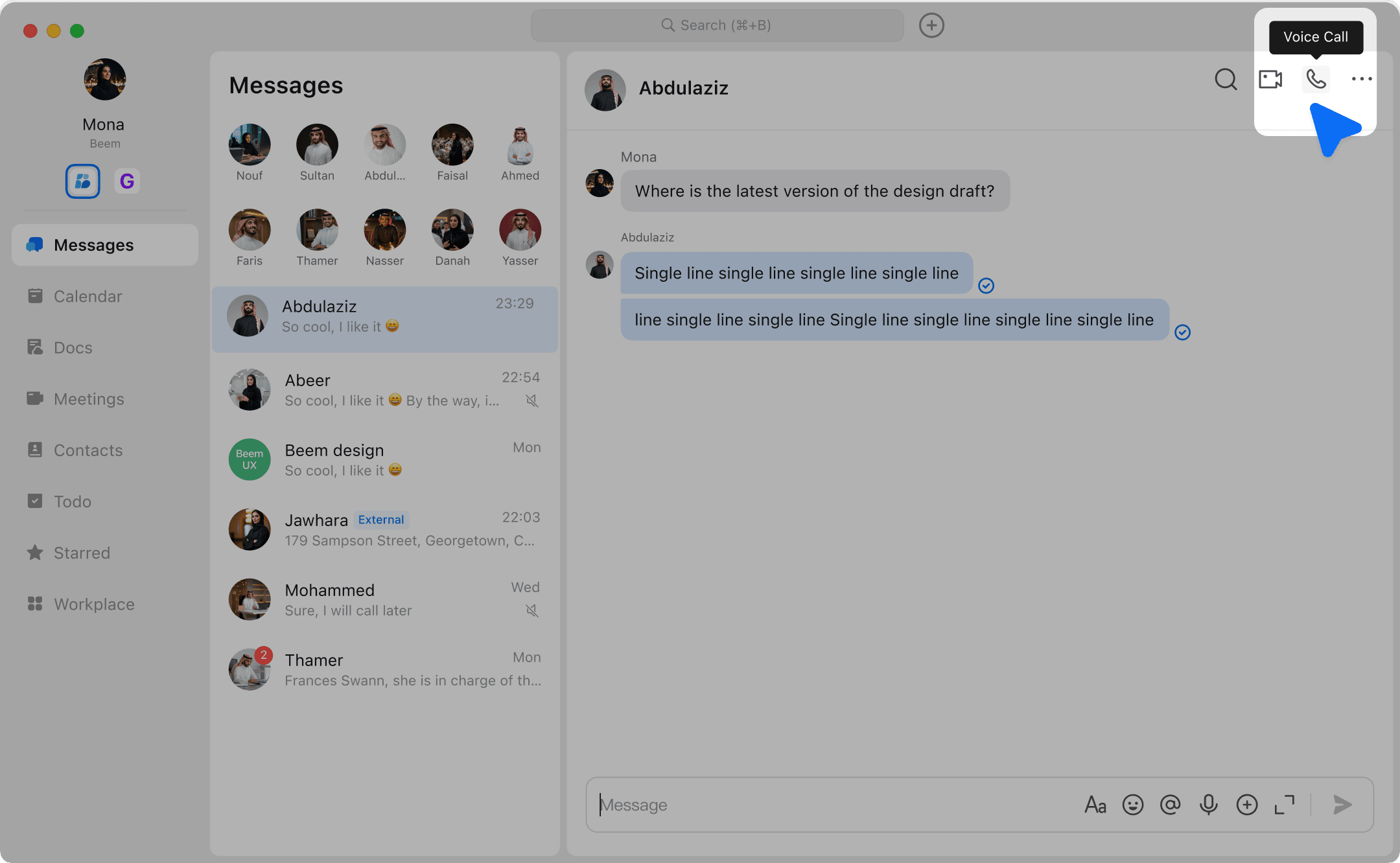
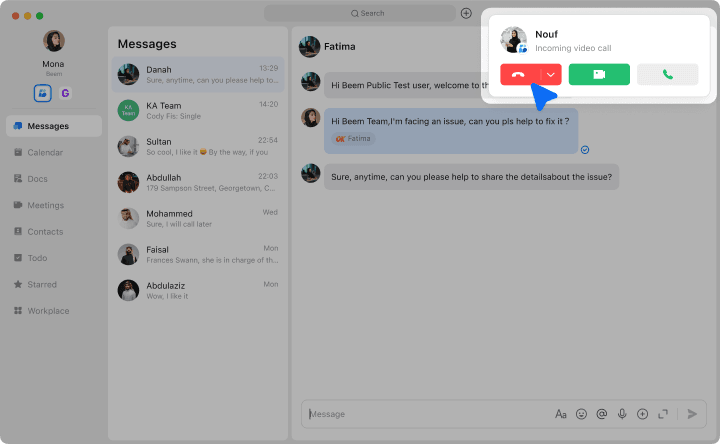
  1. **Audio & Video Calls:**Start a call with your colleagues by clicking on Audio or Video Call.

undefinedundefined

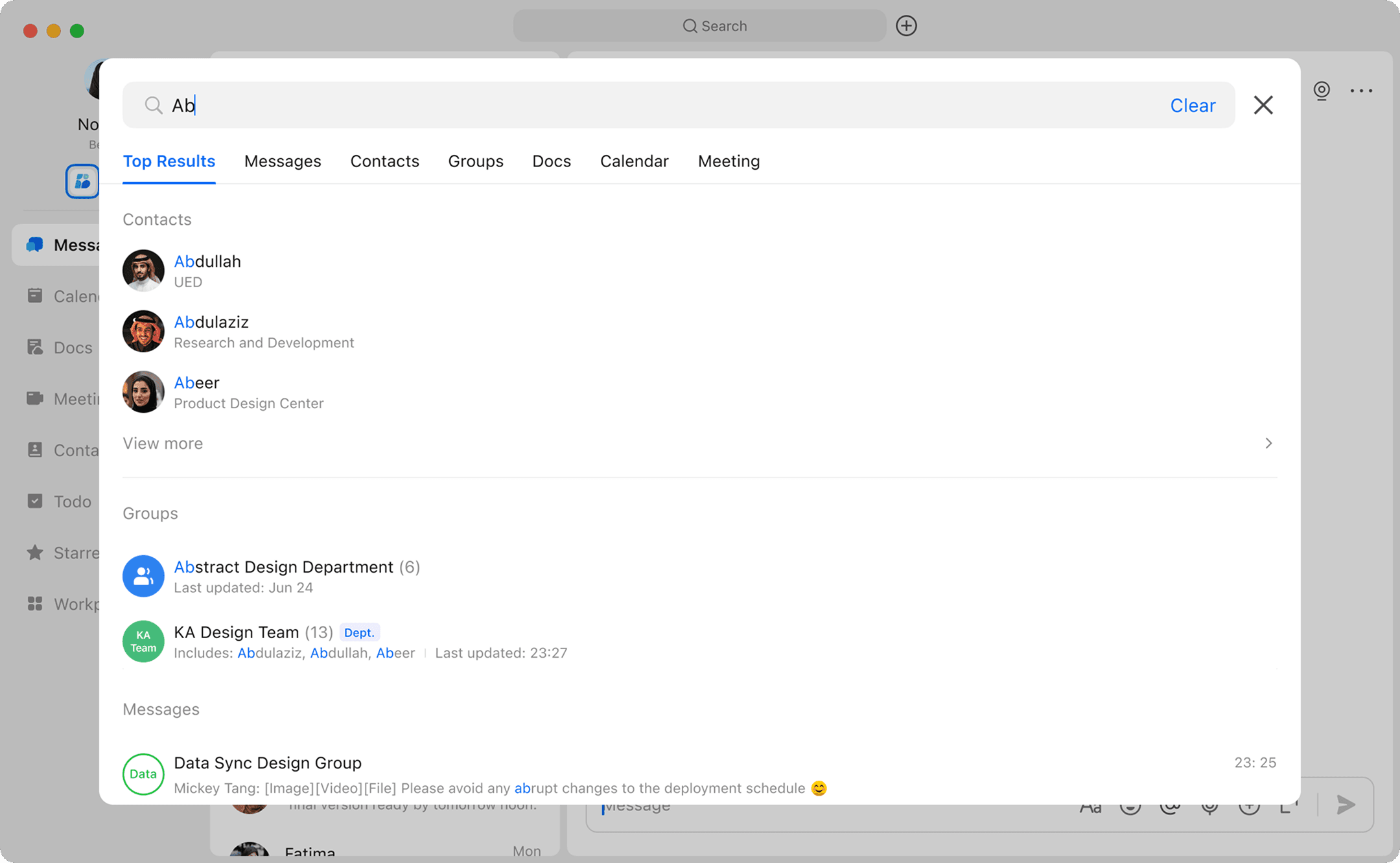
  1. Search: Find everything, including messages, documents, contacts, and more.

undefined

  1. Switch Organization: If you have more than one organization, you can switch organization.

undefined