access_timeEstimated reading time for this article: 5 minutes
Keep your important files organized and accessible by saving them to My Space in Beem Docs. This personal storage area allows you to securely store documents, images, and other files, making them easy to find and manage whenever you need them. Understanding how to save files to My Space ensures efficient file management and quick access across devices.
You can save images, videos, and files sent via Instant Messaging (IM) directly to My Space within Beem Docs for easy access and organization.
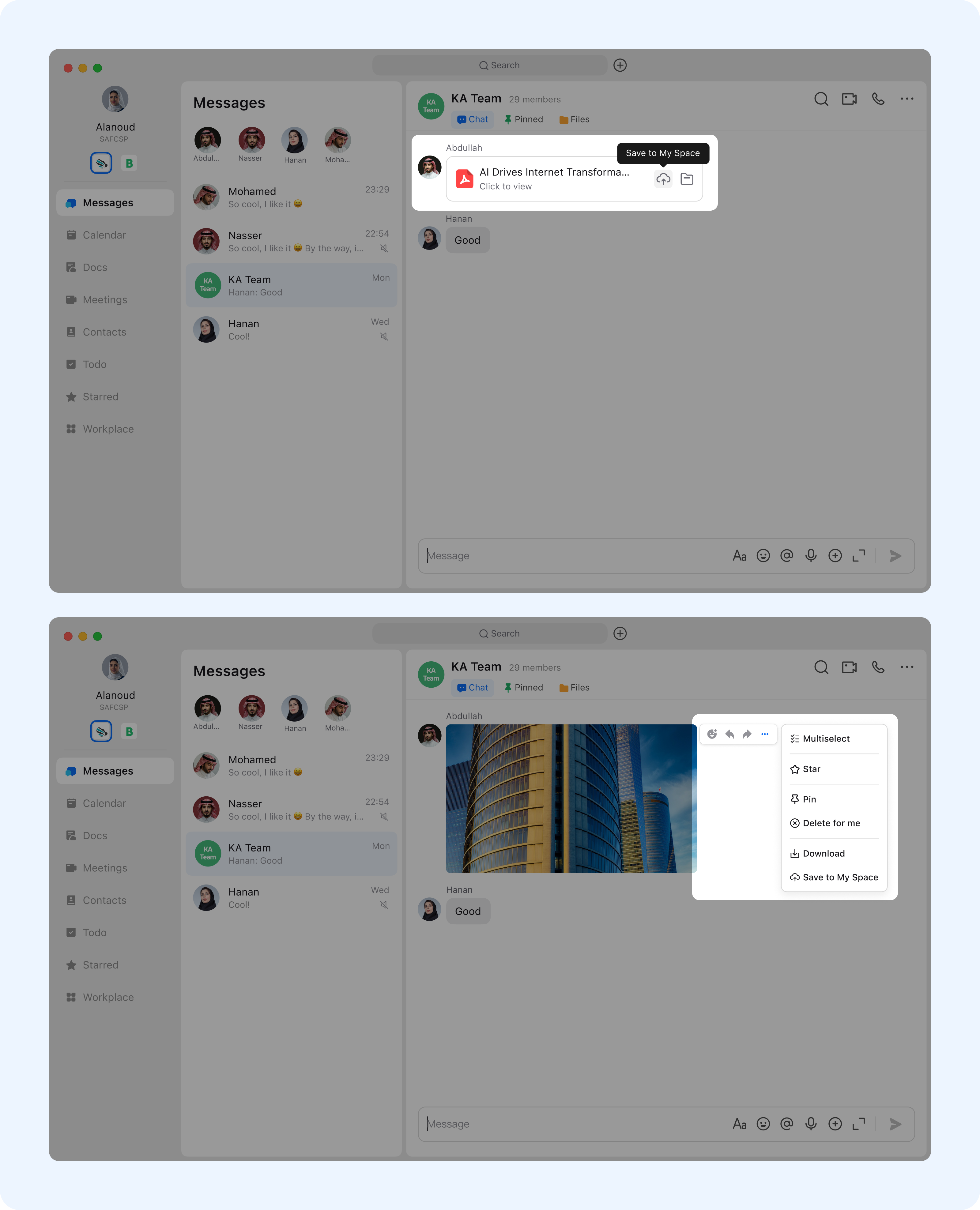
For files: Click “Save to My Space” button to upload them.
For images and videos: Click “More”, then select “Save to My Space” to complete the save.
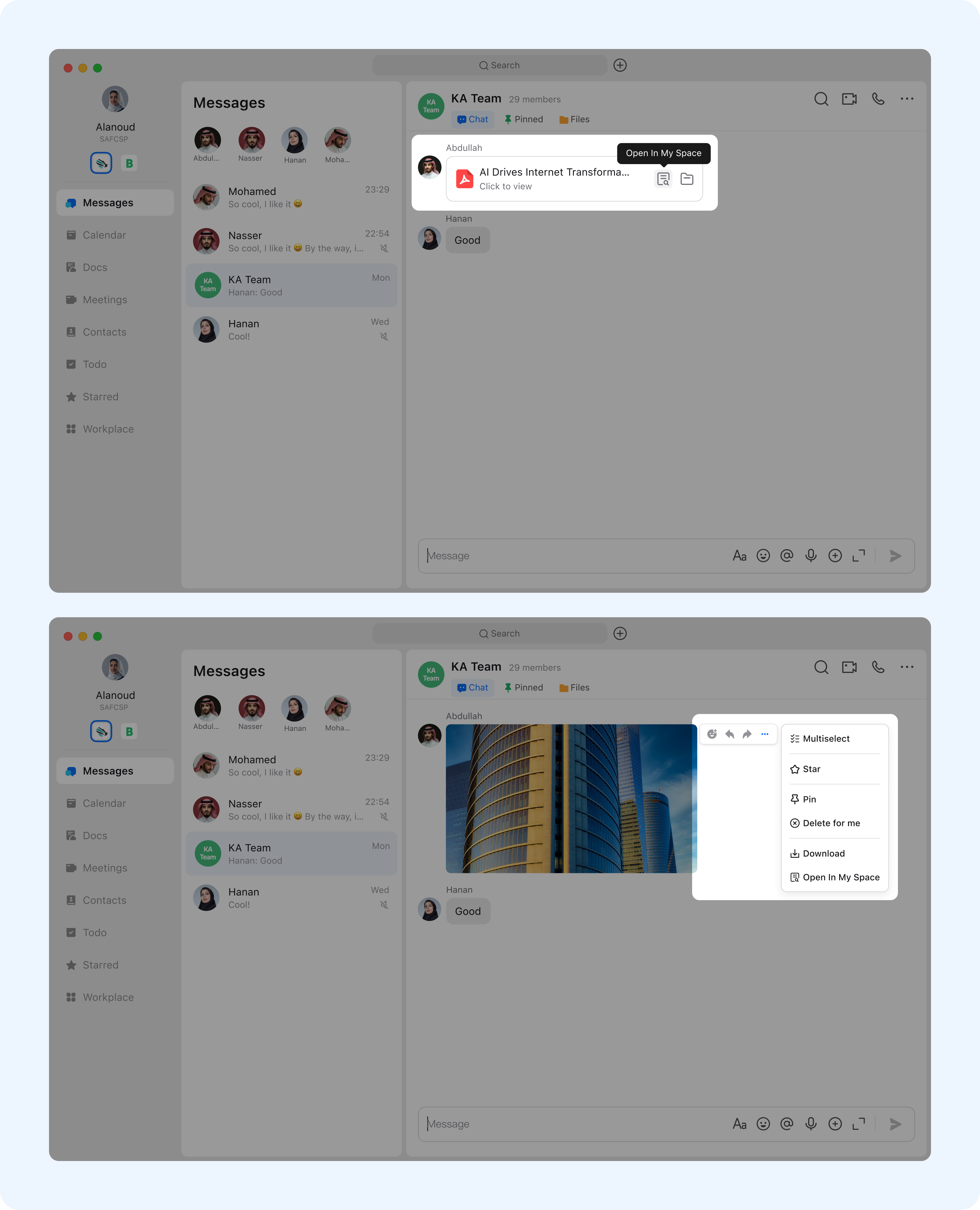
Once the file is successfully saved, an "Open In My Space" option will appear. Clicking it will take you to the file’s details page, where you can view specific information about the file.