access_timeEstimated reading time for this article: 15 minutes
Get started with Beem by installing the application on your preferred device and creating your account. Signing up allows you to access all Beem features, stay connected with your team, and manage tasks, chats, and meetings efficiently. Follow the steps below to install Beem and complete the sign-up process quickly and smoothly.
If your company administrator already added you to the organization, you will see the organization automatically.
If your company administrator sends you the invitation by Invite Code, QR Code, or Invite Link, you can join the organization in the following ways.
WARNING
Note: Please enter your official name as registered in the organization. Once submitted the application to join the organization, only an administrator can modify it.
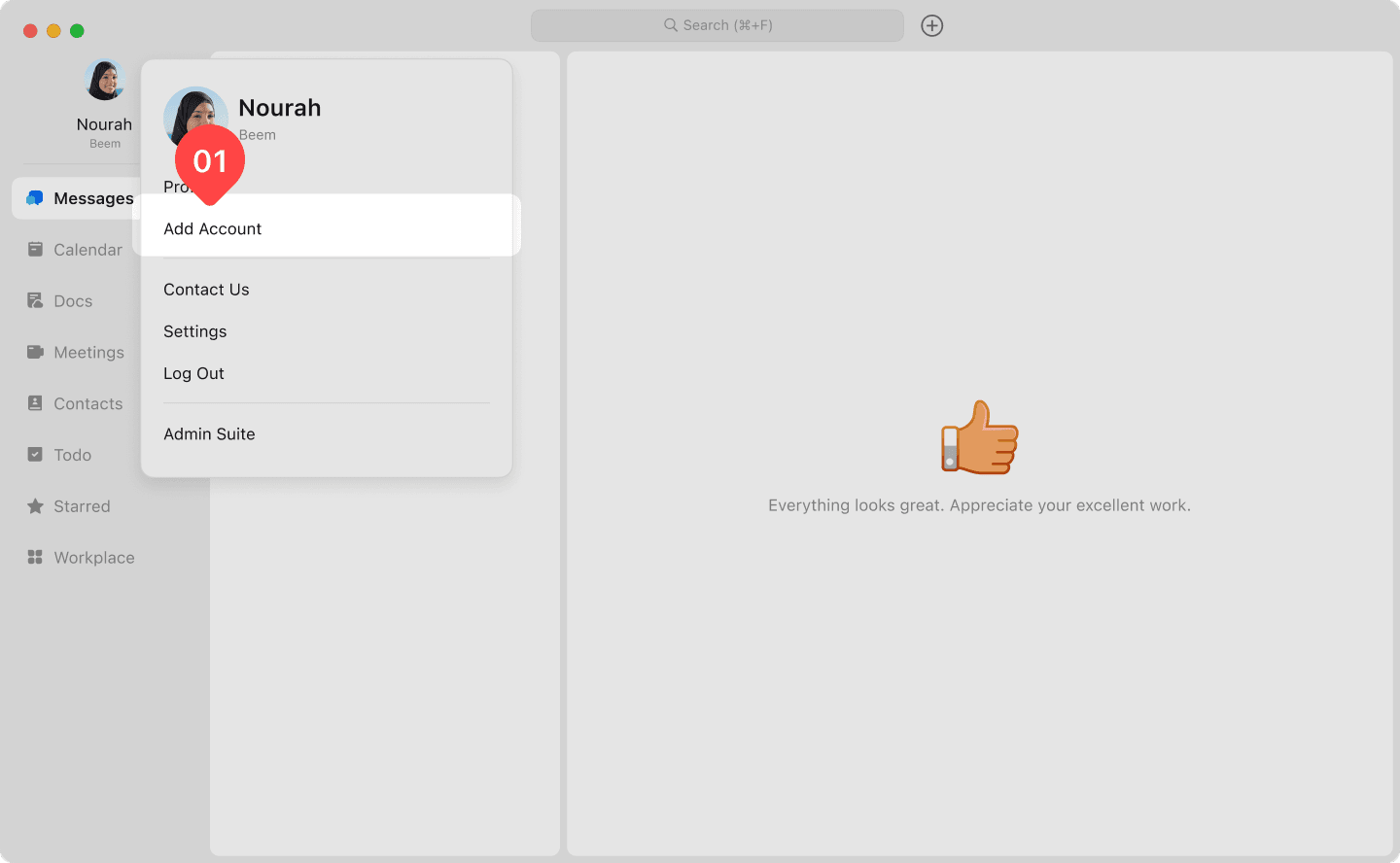
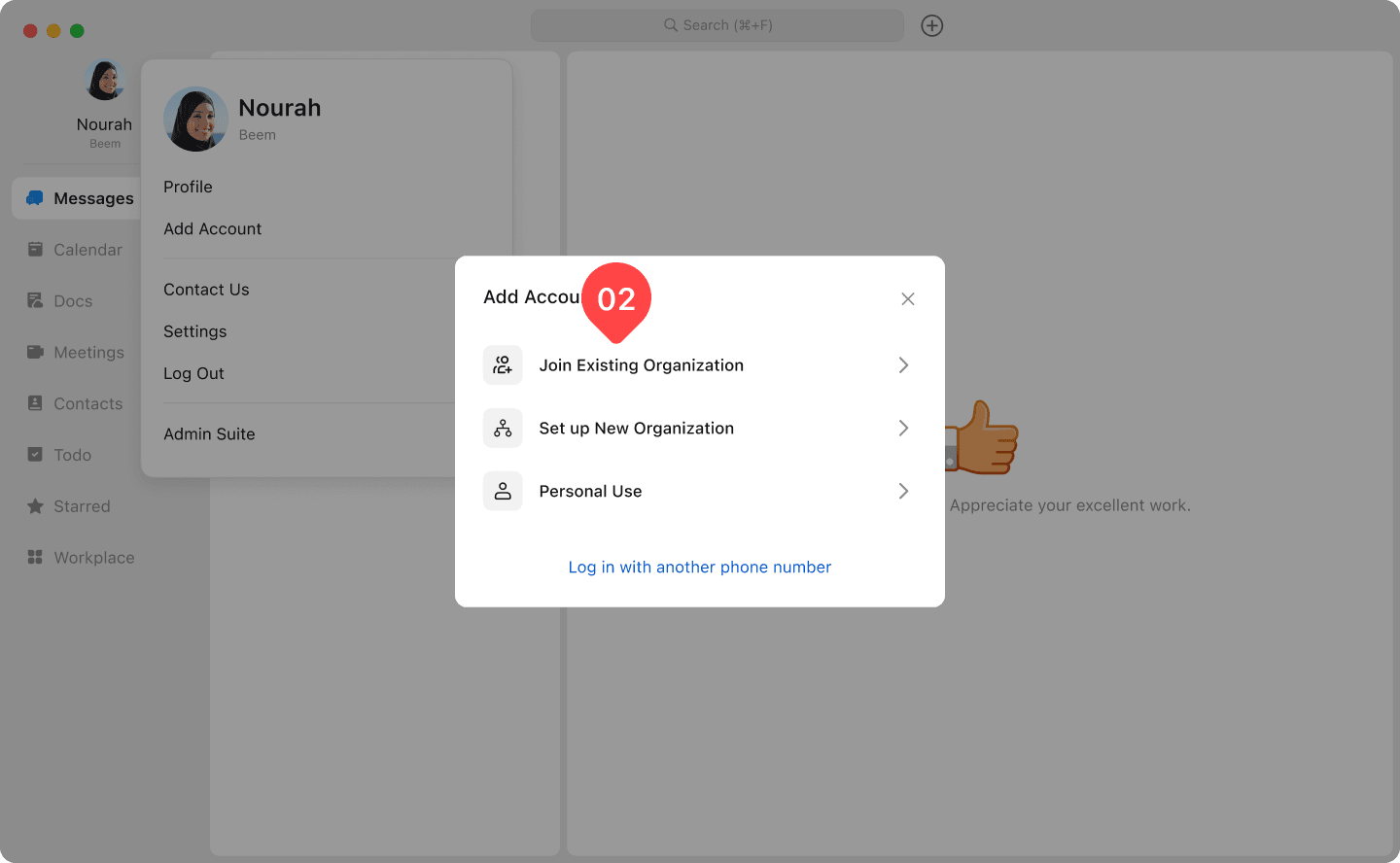
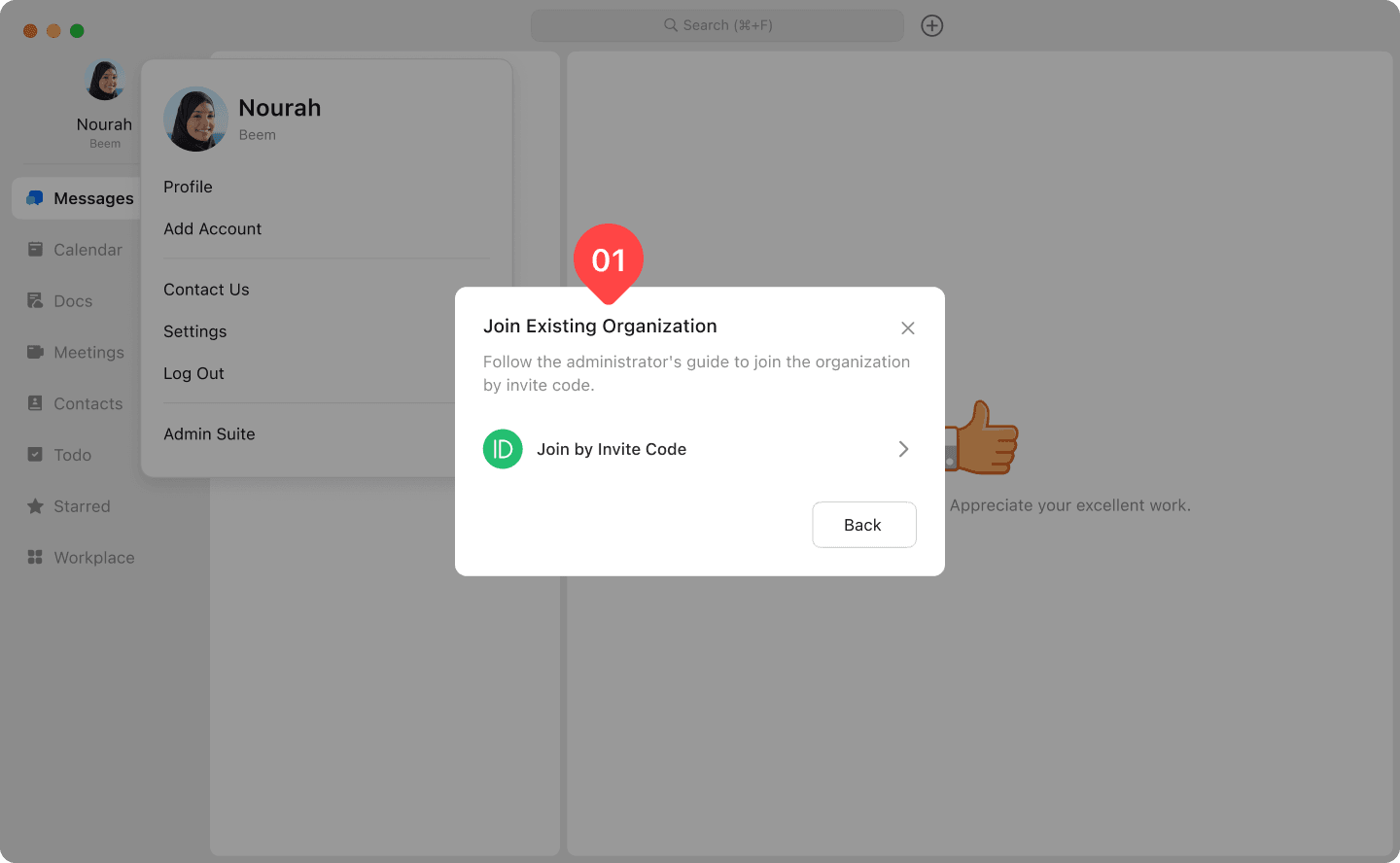
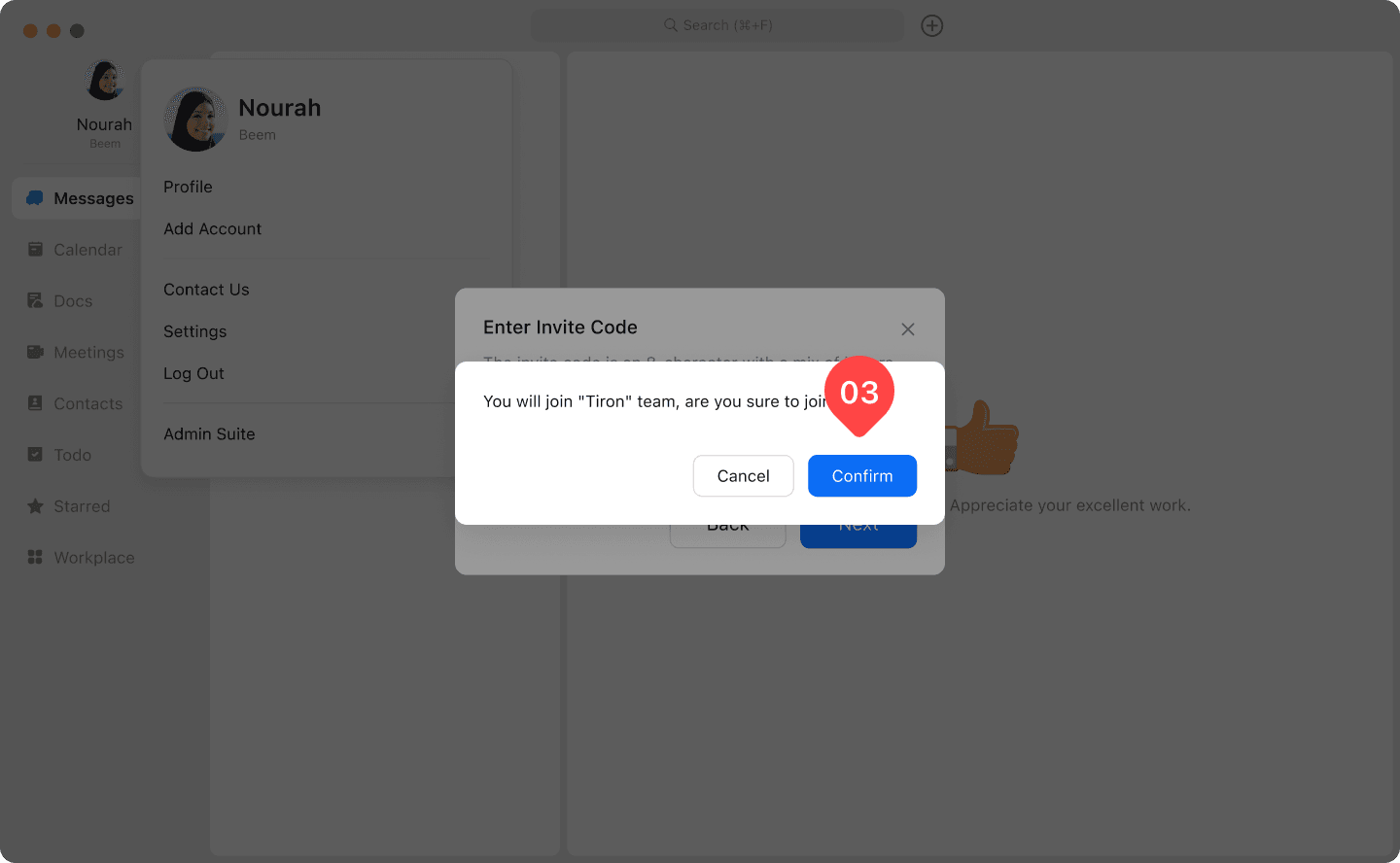
Click your profile photo, then choose "Add Account"- "Join existing organization" - "Join by invite code".
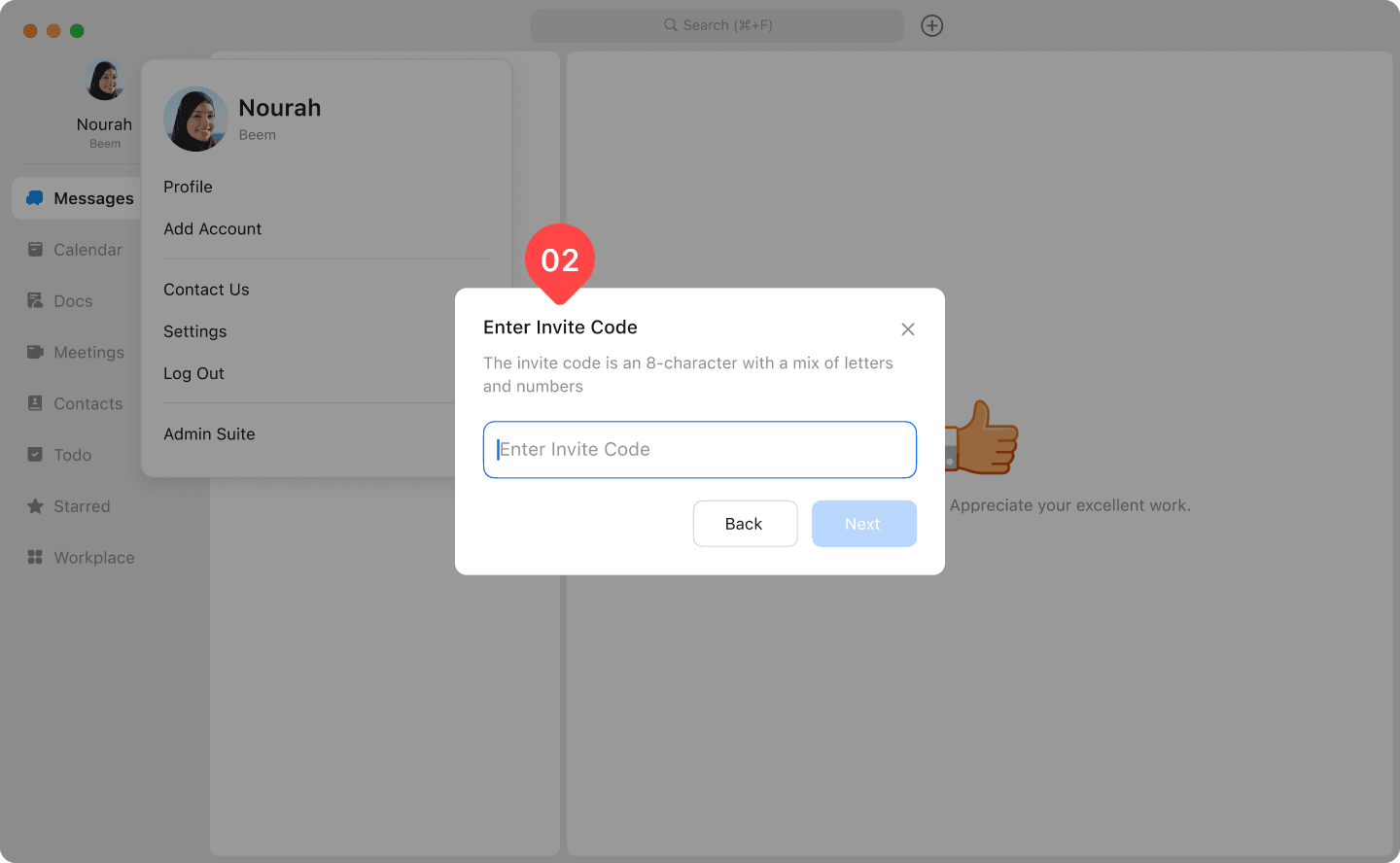
Input the code you get from your admin team, then click Join', the application will be sent to your admin team.
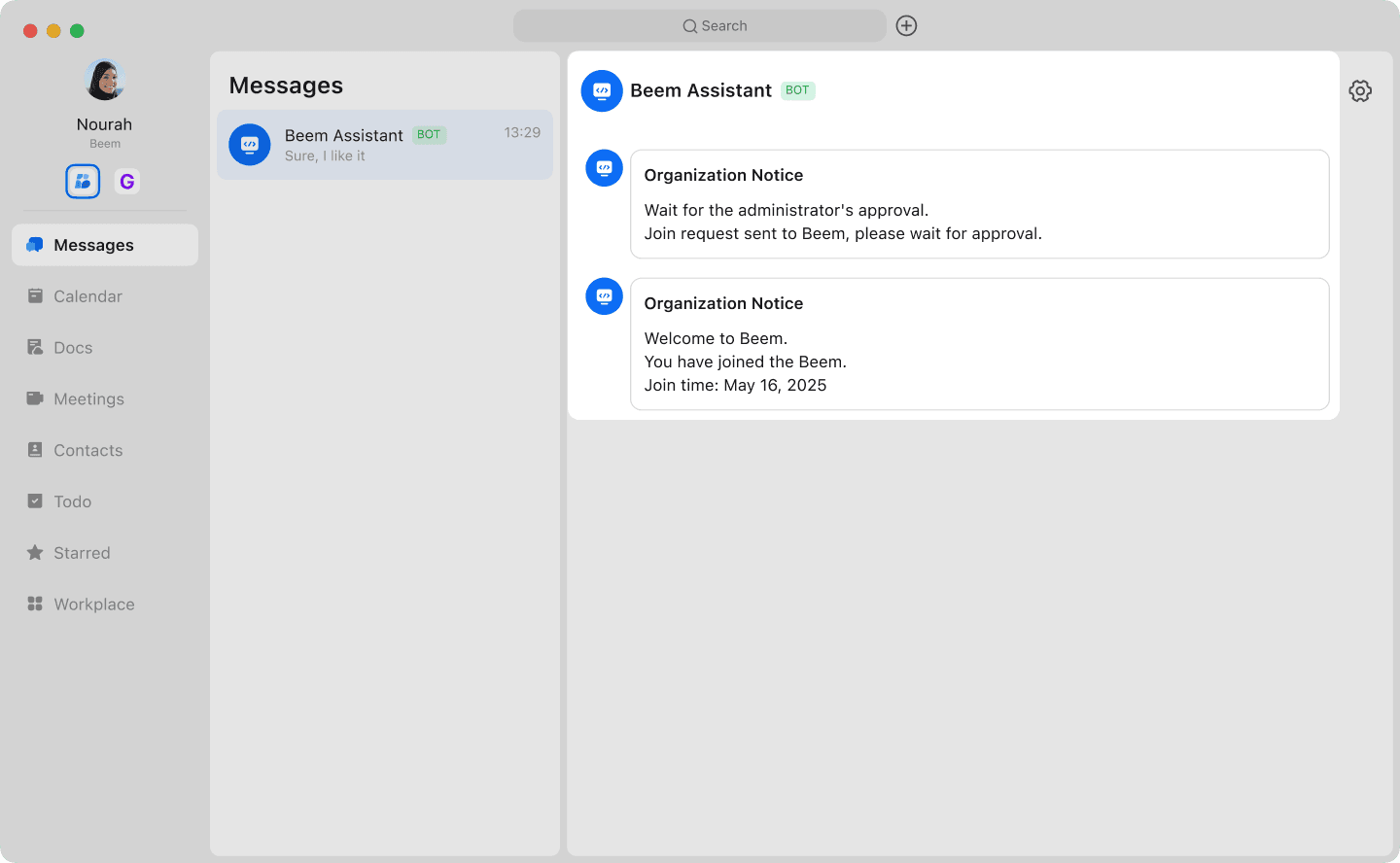
After the admin team approves the application, you'll receive an official notification.
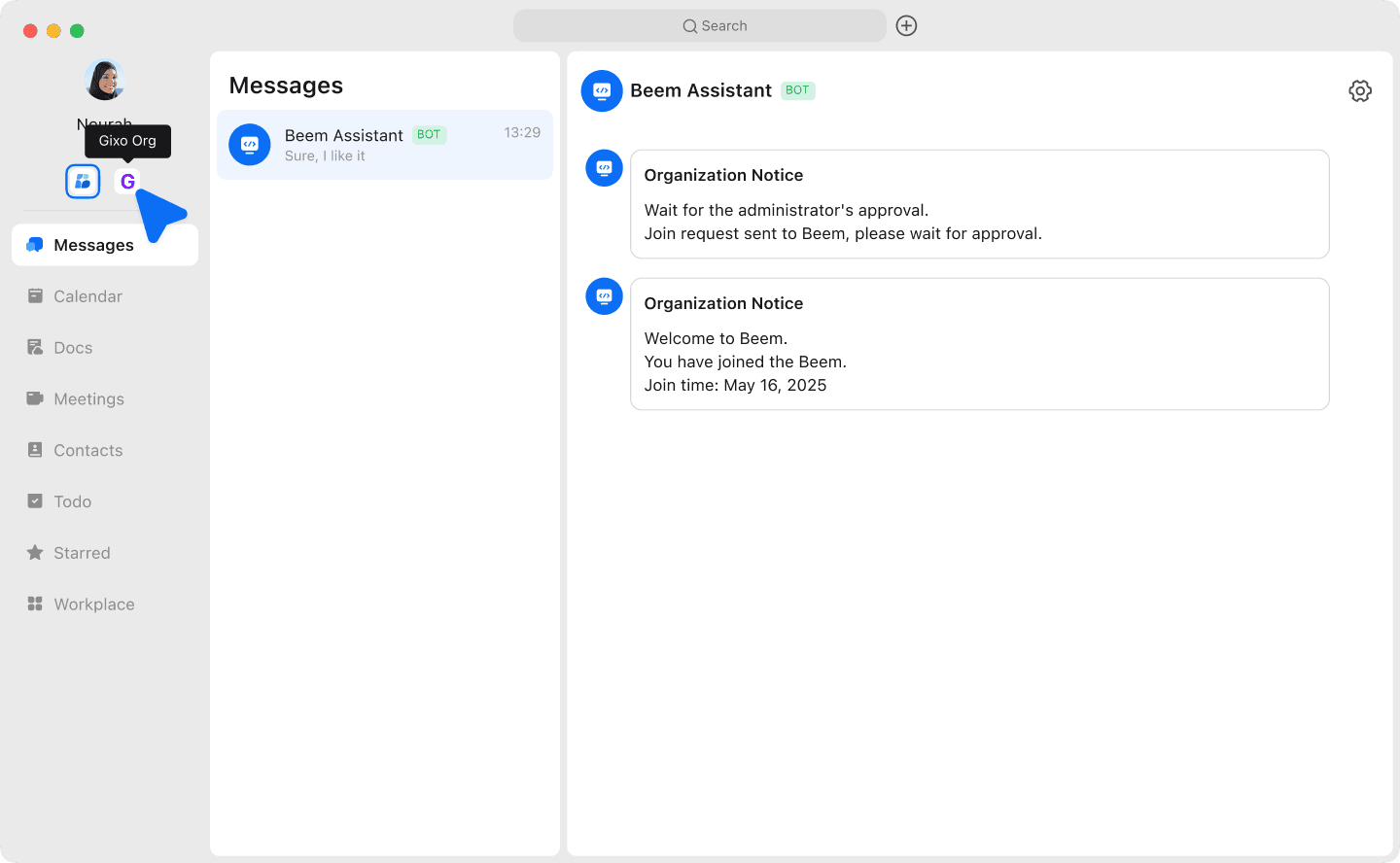
By clicking the org profile under your profile, you can switch to your org account.